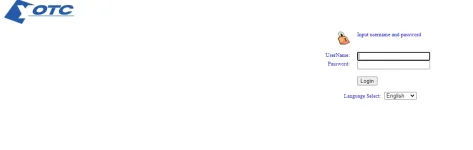
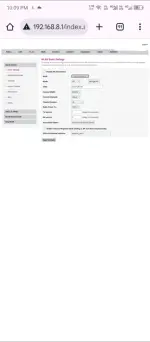
Hello! I'm sorry to hear about the issue you're experiencing with your router credentials. It seems that the default credentials you were using are no longer working after your router reset. Here are a few steps you can try to troubleshoot the issue:
1. Reset the Router: If the router has been reset to factory settings, you may need to reset it again to ensure that all settings are cleared. Look for a small reset button on the router and press it using a paperclip or a similar tool. Hold it down for about 10-15 seconds until the router lights flash.
2. Default Credentials: After resetting the router, you may need to use the default credentials to log in. Common default usernames and passwords are often found in the router's manual or on a sticker on the router itself. Some common defaults are:
- Username: admin Password: admin
- Username: admin Password: password
- Username: admin Password: 1234
3. Contact Customer Support: If the default credentials do not work, you may need to contact the router manufacturer's customer support for assistance. They may be able to provide you with the correct login details or walk you through the process of setting up new credentials.
4. Change the Router: If all else fails and you are unable to regain access to the router, you may need to consider replacing it with a new one.
I hope these steps help you regain access to your router. Let me know if you need further assistance!
 PH
PH