 PH
PHDe Pandora
Fanatic
USB ByPass Windows sign-in
Incase you forgot your password and you cannot log-in to your pc/laptop.
This is "bootable USB drive" atleast 4gb.
For educational purposes only.
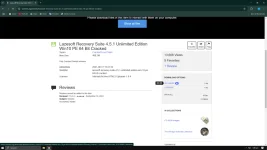
1. First go to search bar type "lazesoft iso free download"
as you can see in the ss download lazesoft iso file.
Once it download go to next step.....
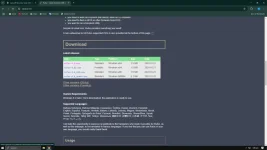
2. New tab search bar type "rufus" download file standard and install.
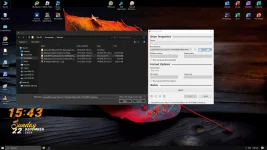
3. Usb flash drive atlest 4g...plug-in wait for a second, then open rufus.
Select....and open the lazesoft into rufus.....then start, wait to finish.
After finish close all restart your pc....
4. When restarting press F9 for bios setup im using windows 10,
5 Select UEFI usb enter.
6. Select lazesoft live cd enter...wait a second to appear lazesoft.
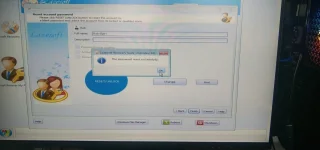
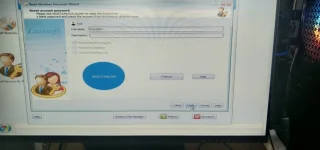
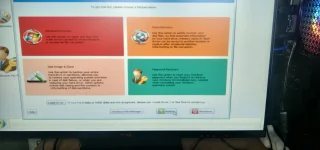
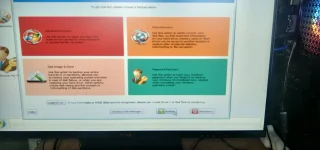
7 Select Password recovery, Click next, Click next, Select user that you want to bypass.
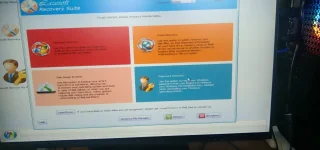
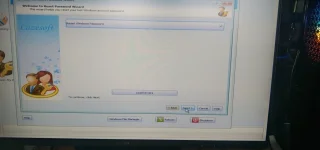
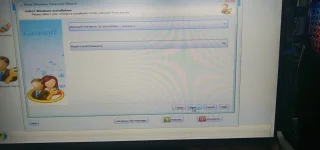
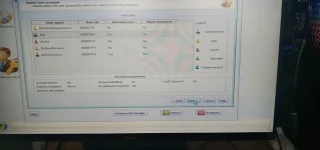
Click reset/unlock, ok, finish....then reboot....remove bootable usb drive.
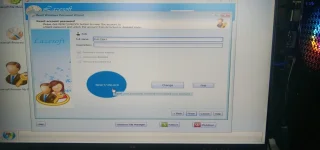
8. You are now access your pc/laptop.
Sa mga nakaka alam please keep on sharing.....thanks.
Incase you forgot your password and you cannot log-in to your pc/laptop.
This is "bootable USB drive" atleast 4gb.
For educational purposes only.
1. First go to search bar type "lazesoft iso free download"
as you can see in the ss download lazesoft iso file.
Once it download go to next step.....
2. New tab search bar type "rufus" download file standard and install.
3. Usb flash drive atlest 4g...plug-in wait for a second, then open rufus.
Select....and open the lazesoft into rufus.....then start, wait to finish.
After finish close all restart your pc....
4. When restarting press F9 for bios setup im using windows 10,
5 Select UEFI usb enter.
6. Select lazesoft live cd enter...wait a second to appear lazesoft.
7 Select Password recovery, Click next, Click next, Select user that you want to bypass.
Click reset/unlock, ok, finish....then reboot....remove bootable usb drive.
8. You are now access your pc/laptop.
Sa mga nakaka alam please keep on sharing.....thanks.