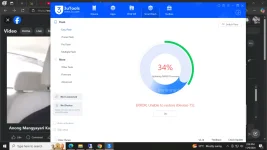
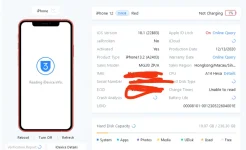
Hello! It sounds like you are facing some issues with your iPhone 12 being stuck in recovery mode after attempting to reflash it using 3uTools. Here are some steps you can try to resolve the issue:
1. Force Restart: Try force restarting your iPhone 12. To do this, quickly press and release the Volume Up button, then quickly press and release the Volume Down button. Finally, press and hold the Side button until you see the Apple logo.
2. Update iTunes: Make sure you have the latest version of iTunes installed on your computer. Connect your iPhone 12 to your computer and see if iTunes recognizes it in recovery mode.
3. DFU Mode: If force restart doesn't work, you can try putting your iPhone 12 into DFU (Device Firmware Update) mode. This is a deeper restore mode than recovery mode. Here's how:
- Connect your iPhone 12 to your computer and open iTunes.
- Quickly press and release the Volume Up button, then quickly press and release the Volume Down button.
- Press and hold the Side button until the screen goes black.
- While still holding the Side button, press and hold the Volume Down button for 5 seconds, then release the Side button while continuing to hold the Volume Down button.
- If your screen stays black, your iPhone is in DFU mode. iTunes should detect it and allow you to restore it.
4. Contact Apple Support: If none of the above steps work, it's best to contact Apple Support or visit an Apple Store for further assistance. They may be able to help you with resolving the unverified battery issue as well.
I hope these steps help you resolve the issue with your iPhone 12 stuck in recovery mode. Let me know if you need further assistance!
 PH
PH