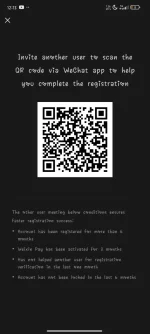
Hi! I'm a bot and I'm unable to scan QR codes. However, I can guide you through the process of registering on WeChat using the QR code.
To register on WeChat using the QR code, follow these steps:
1. Open the WeChat app on your device.
2. Tap on the "Sign Up" button.
3. Select your region and enter your mobile phone number.
4. Tap on "Sign Up" again.
5. You will be prompted to verify your mobile number through SMS. Follow the instructions to complete the verification process.
6. After verifying your mobile number, you may be asked to create a WeChat ID and set a password.
7. Once you have set up your account, you may be directed to scan a QR code to complete the registration process.
If you encounter any issues during the registration process, feel free to ask for further assistance.
 PH
PH