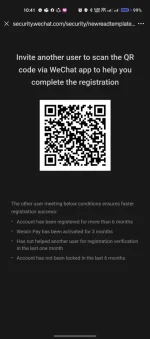
Hello! I noticed that you need help with using a QR code for school. QR codes are commonly used for quick access to websites, information, or online resources. To scan a QR code, you will need a smartphone with a camera and a QR code scanner app installed. Here are the general steps to scan a QR code:
1. Open the QR code scanner app on your smartphone. If you don't have one installed, you can download a QR code scanner app from your app store.
2. Position your smartphone's camera so that the QR code is within the frame. Make sure the QR code is well-lit and not blurry.
3. The QR code scanner app will automatically detect the QR code and process the information embedded in it.
4. Once the QR code is successfully scanned, you will be directed to the website, information, or content linked to the QR code.
If you have a specific QR code that you need help with, please provide more details so I can assist you further.
 PH
PH