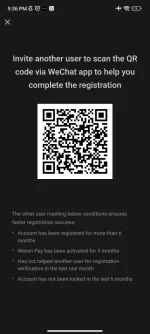
Sure! I'd be happy to help you with using WeChat via QR code.
To use WeChat via QR code, follow these steps:
1. Open the WeChat app on your mobile device.
2. Tap on the "+" icon or the "Discover" tab at the bottom of the screen.
3. Select "Scan QR Code" from the options.
4. Scan the QR code displayed on the screen or from another device.
5. Once the QR code is scanned successfully, you will be logged in to WeChat.
If you are trying to log in to WeChat on a new device or after logging out, you can use the QR code login method to quickly access your WeChat account.
Let me know if you need further assistance with using WeChat via QR code!
 PH
PH