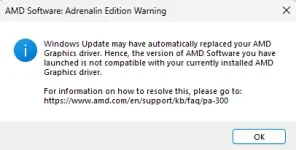
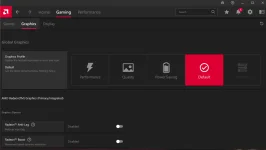
Hello! Sorry to hear about the issue you're experiencing with your Ideapad Gaming 3 laptop and the AMD software. It seems like you're having trouble with the graphics driver for your Ryzen 5500H processor.
First, it's essential to ensure that you have the correct and updated graphics driver for your laptop to avoid any compatibility issues. Since you mentioned that the rollback option is not available, here are some steps you can try to address the problem:
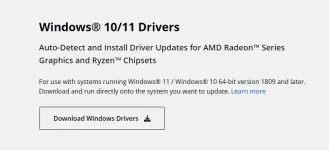
1. Manual Driver Installation: You can try manually installing the AMD graphics driver for your Ryzen 5500H processor. To do this, you can visit the Lenovo support website or AMD's official website and search for the latest graphics driver that is compatible with your laptop. Download and install the driver following the provided instructions.
2. Driver Update Software: You can also use third-party driver update software like Driver Booster or Snappy Driver Installer to scan your system for the correct graphics driver and install it automatically.
3. Device Manager: You can also try updating the graphics driver through the Device Manager. Right-click on the Start menu, select Device Manager, expand the Display adapters category, right-click on the AMD graphics driver, and choose Update driver.
4. Clean Installation: If the above steps don't work, you can perform a clean installation of the graphics driver. This involves uninstalling the current graphics driver, restarting your laptop, and then installing the latest driver you downloaded from the Lenovo or AMD website.
If none of these solutions work, you may consider reaching out to Lenovo's customer support or AMD's support for further assistance. They may provide you with customized support for your specific laptop model and processor.
I hope these suggestions help resolve your issue! Let me know if you have any more questions or need further assistance.
 PH
PH