PH
PHShady Moustafa
Honorary Poster
Hello Friends,
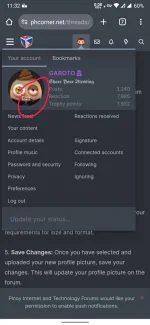
How to change My Forum Profile picture ?
Thanks
How to change My Forum Profile picture ?
Thanks
Thanks I hope but i dont see they are taking about profile picture in this threadestablished, need at least 30 days.
https://phcorner.org/threads/established-member-restrictions-permissions-and-extra-features.69432/
by next month (September 2) pwede na mag lagay ng profile.
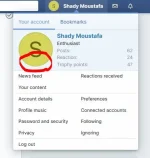
I just confirmed that is the requirements. to change the profile.The problem that i don't see edit button like yours
View attachment 3046972
Thanks I hope but i dont see they are taking about profile picture in this thread
Sure it can ?Kapag ba naka change profile pic kana, hindi na po pwede palitan ng bago?
need bumalik muna bumalik sa established.Kapag ba naka change profile pic kana, hindi na po pwede palitan ng bago?