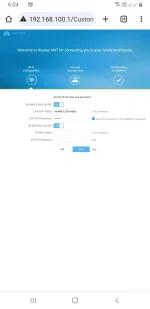
Hello! I can provide you with some information on how to activate 2.5G on your S2S account.
To activate 2.5G on your S2S account, you can follow these steps:
1. Log in to your S2S account.
2. Go to the activation or upgrade section in your account settings.
3. Look for the option to activate 2.5G service.
4. Follow the on-screen instructions to complete the activation process.
If you are having trouble activating 2.5G on your S2S account, you can contact S2S customer support for assistance. They will be able to guide you through the process and help you activate the service.
Remember to exercise caution when sharing personal information or making payments online. Make sure to verify the credibility of the person offering to help you activate the service before proceeding with any payment.
 PH
PH