 PH
PHX-hashira-X
Forum Expert

IObit Driver Booster Pro Overview
Updating drivers is usually an initial step to avoid hardware failure, system instability and hidden security vulnerabilities. To update drivers regularly is also an effective way to enhance your overall PC performance, and maximize your gaming experience. While this process could be risky and frustrating if done manually. Driver Booster PRO is introduced to download and update drivers for you automatically with just one click. Based on cloud library, Driver Booster PRO can always be the first to identify outdated drivers, and download and update driver at an unrivaled speed. With the backup feature, it is an easy, effective and risk free solution to keep your drivers up-to-date.Key Features of IObit Driver Booster Pro
- Download and Update Outdated Drivers with One Click
- Enhance Hardware Functionality for Top Performance
- Specialized Driver Tweaking for Top Gaming Experience
- Automatically Identify Outdated Drivers
- Support More Comprehensive Hardware Devices
- Enjoy Priority to Update Outdated Drivers Promptly
- Backup Drivers for Safe Restore
- Download and Update Drivers up to 300% Faster
- Automatically Update to the Latest Version
IObit Driver Booster Pro System Requirements
Below are the minimum system requirements for running the IObit Driver Booster Pro| Processor: | Intel Pentium i3, Multi-core GHz or higher. |
| RAM: | 2 GB (4 GB recommended). |
| Windows: | 11, 10, 8.1/8, 7. |
| Space: | 200 MB or more. |
IObit Driver Booster Pro Changelog
Below is the list of changes made to the current version of IObit Driver Booster Pro.- Expanded database to support updating up to 8,500,000+ drivers for more devices
- Added more drivers for Windows 11 and supported more new hardwares
- Enhanced driver update to provide better game drivers and more stable drivers
- Optimized scan to be up to 20% faster
- Optimized update engine for 10% faster update and a much higher success rate
- Accelerated the effect of Game Boost by up to 12%
- Brand-new UI for a more user-friendly experience
- Supported 38 languages
- More can be discovered by you
IObit Driver Booster Pro Screenshots
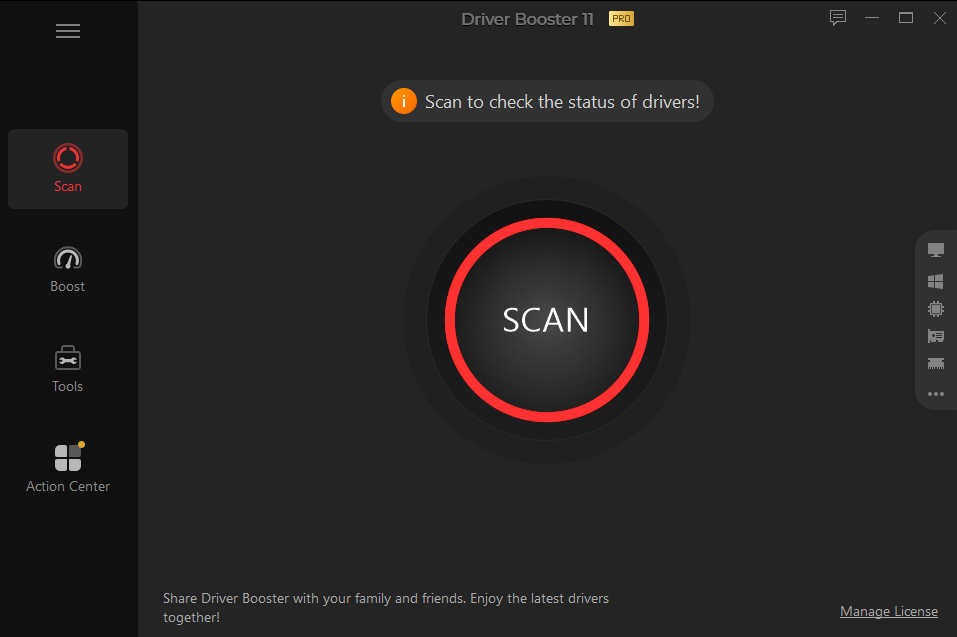
How to use IObit Driver Booster Pro?
Follow the below instructions to activate your version of IObit Driver Booster Pro.- Install software using given installer (in Setup folder)
- Close program if running (Even from system tray)
- Extract “Cr@ck.zip” file and Copy its content to program’s installation folder
- That’s it, Enjoy.
You do not have permission to view the full content of this post. Log in or register now.
