PH
PHPHC - FlameKaisserr_07
Forum Veteran
PLEASE READ and UNDERSTAND
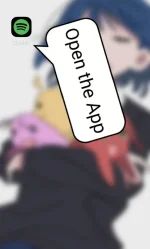
1. Install the App
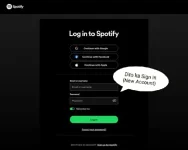
2. Sign In Your Account (Not Clicking "Sign in To Google" New Account, Okay hehe
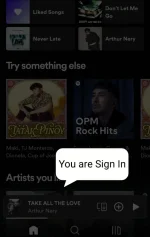
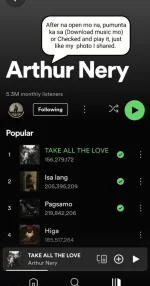
3. After Sign In, Download First your Songs. (Save it on your Likes or Playlist that you created. "Gumagana ang download button")
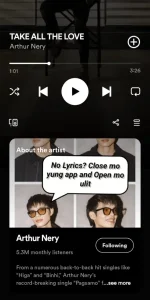
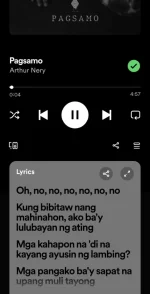
4.Then, If no Lyrics, Close the App and repeat again "Open the App". Kung wala pa rin, I close mo lang at I open ulit. Meron na yan basta wag mo lang I update.
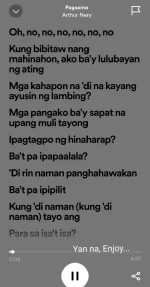
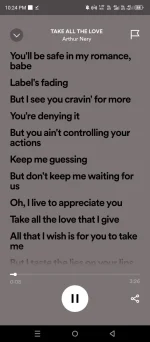
5. Go to your Playlist or Songs you liked, and then scroll the lyrics.
6. Okay na. Gumagana na yung lyrics at makadownload ka ng songs na paborito mo.
Ps. Pero kung putol yung lyrics, Make sure na i-Clear Data mo at saka open mo ulit (Repeat the Process) Read 1-6
And needed internet for the lyrics.
Follow For More Updates.
Link:
Download
[/DOWNLOAD]
Copy-paste it in Chrome
You do not have permission to view the full content of this post. Log in or register now.