 PH
PH1. Office Customization Tool
- open You do not have permission to view the full content of this post. Log in or register now.
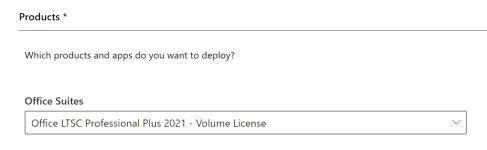
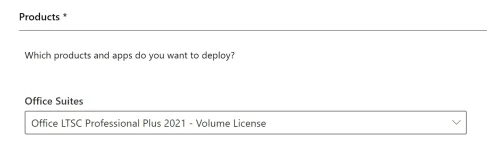
- select Office LTSC Professional Plus 2021 - Volume License
- Licensing and activation
You do not have permission to view the full content of this post. Log in or register now.
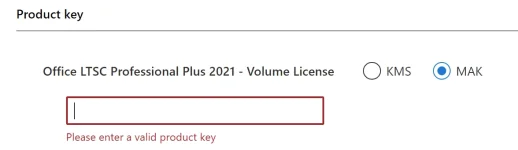
- leave settings as default if you don't understand something.
- Once you go through all the options, click on the export button, select "Keep Current Settings" option and it will download a file named Configuration.xml
- Copy the downloaded Configuration.xml file to the root of the C drive, i.e. C:\Configuration.xml
2. Office Deployment Tools
- Download You do not have permission to view the full content of this post. Log in or register now. (ODT)
- Copy the downloaded setup.exe file to the root of the C drive, i.e. C:\setup.exe
Open the command prompt (CMD) as admin and run the below commands:
cd C:setup.exe /download configuration.xmlsetup.exe /configure configuration.xml
Tutorial Source:
You do not have permission to view the full content of this post. Log in or register now.
It will now download and install Office. You now have LIFETIME Office 2021 Professional Plus.
 love u all

