 PH
PHWSCC – Windows System Control Center v7.1.0.0 Commercial

Table of Contents
- You do not have permission to view the full content of this post.
Log in or register now.
- You do not have permission to view the full content of this post. Log in or register now.
- You do not have permission to view the full content of this post. Log in or register now.
- You do not have permission to view the full content of this post. Log in or register now.
- You do not have permission to view the full content of this post. Log in or register now.
- You do not have permission to view the full content of this post. Log in or register now.
- You do not have permission to view the full content of this post. Log in or register now.
- You do not have permission to view the full content of this post. Log in or register now.
- You do not have permission to view the full content of this post. Log in or register now.
Windows System Control Center Overview
WSCC allows you to install, update, execute and organize the utilities from various system utility suites. WSCC can install and update the supported utilities automatically. Alternatively, WSCC can use the http protocol to download and run the programs. The portable edition doesn’t require installation and can be run directly from a USB drive.
Key Features of Windows System Control Center
- The interface is very simple and intuitive, thus allowing any type of user to find their way around it, regardless of their previous experience with the IT world. Aside from that, it consists of a folder structure and a panel in which to view details.
- Upon first launching the utility, you can see a list of software products you can install, such as DiskMon, PortMon, TagsReport, Page Defrag and Autoruns, along with some short descriptions.
- This tool also enables you to quickly access a console, so that you can execute command line applications.
- The view type can be changed, from a detailed one, to icons and reports. In addition to that, you can show hidden items, add tools to favorites, search for them online and view properties.
- From the settings panel, the application can be minimized to the tray, so as not to become obtrusive. Plus, you can view tooltips, check for updates, configure the search to look in software descriptions, scan while typing, as well as customize the console (background color, opacity and font).
- To sum up, WSCC – Windows System Control Center is a useful piece of software, when it comes to managing utilities from the Windows Sysinternals suit, view, execute and add them to favorites. It does not put a strain on your PC’s performance and the response time is very good. Our tests did not reveal any errors, bugs, or crashes.
Windows System Control Center System Requirements
Below are the minimum system requirements for running the Windows System Control Center
| Processor: | Intel Pentium 4 or later. |
| RAM: | 512 MB available memory. |
| Windows: | 11, 10, 8.1/8, 7. |
| Space: | 100 MB available space. |
Windows System Control Center Changelog
Below is the list of changes made to the current version of Windows System Control Center.
- You do not have permission to view the full content of this post. Log in or register now.
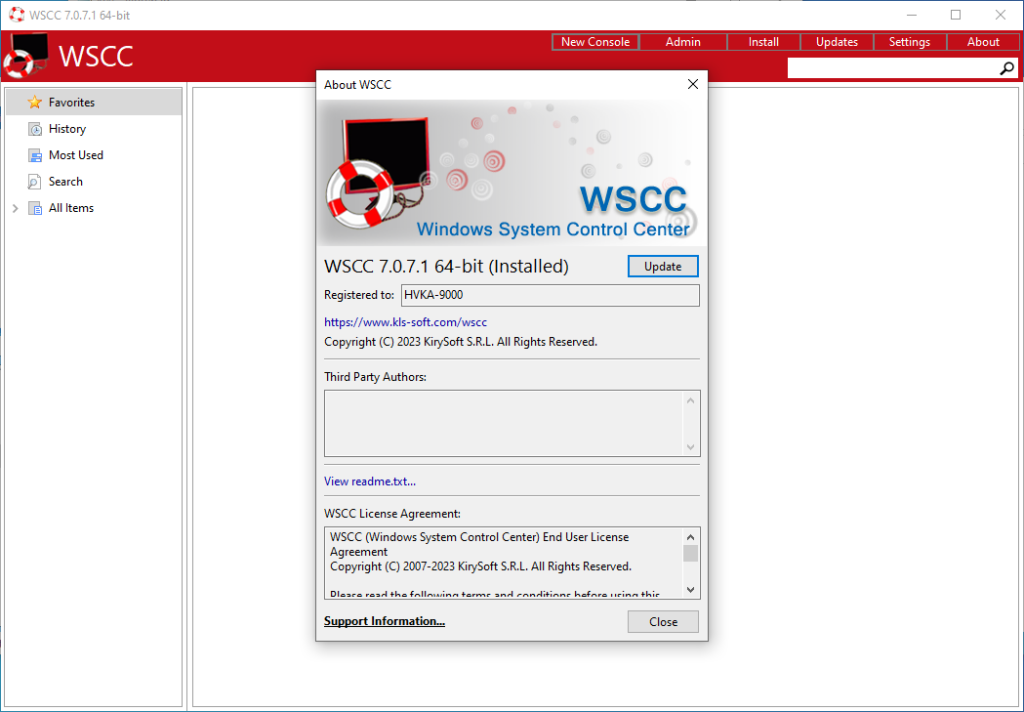
Windows System Control Center Screenshots
How to use Serial of Windows System Control Center?
Follow the below instructions to activate your version of Windows System Control Center.
- Install software using given installer (in Setup folder)
- Run program and use given key for activation
- That’s it, Enjoy!
Windows System Control Center Details
Below are the details about Windows System Control Center. Virustotal results are attached within the table for the installer.
| App Size: | 7.9 MB |
| Setup Status: | Untouched |
| Virustotal Results: | You do not have permission to view the full content of this post. Log in or register now., You do not have permission to view the full content of this post. Log in or register now. |
Windows System Control Center Download Links
You do not have permission to view the full content of this post. Log in or register now. | You do not have permission to view the full content of this post. Log in or register now. | You do not have permission to view the full content of this post. Log in or register now.