 PH
PH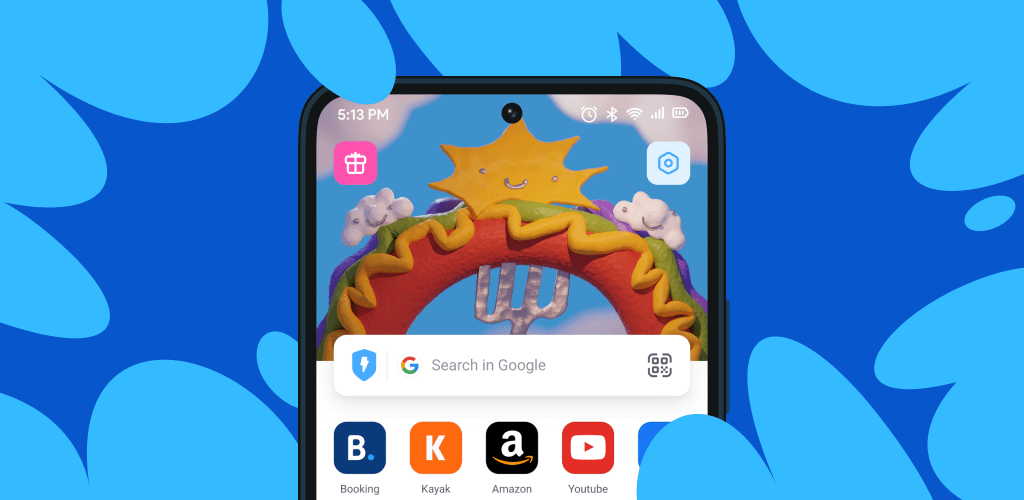
We all know that we need browsers to browse web pages and view information from different websites. Even many specialized software that provide access to a specific database are built on the basis of these same browsers! If you take a look at the Android market, you will see that thousands of browsers have been designed and published by developers, unfortunately many of them do not have the necessary functionality. That’s why we intend to introduce you to a smart app in this post. Aloha Browser Private is the title of a fast and private browser developed by Aloha Mobile and published on Google Play. To have a fast and hassle-free web surfing, just install this app and experience a new experience in this area. As we mentioned, Aloha has various features and capabilities, among which blocking ads can be mentioned. By activating this option, annoying JavaScript ads are blocked when entering websites and you will not face a slow browser! On the other hand, blocking ads prevents excessive internet usage, which you will see the effect of in the short term. If you intend to have anonymous browsing, the private mode is a suitable option for you; In this mode, all third-party trackers are blocked and no cookies remain on websites. Multi-language browsing mode provides conditions to quickly move between various sites and meet your needs in a short time. Unlike many similar programs, you do not need to install separate download managers to download files, as the development team has tried to meet all their users’ needs by placing a professional download tool.
Some of the features and capabilities of the Aloha Browser Private Android app:
Browsing various websites in multi-language mode without any restrictions
Blocking ads to prevent the execution of Java scripts
Private browsing mode to prevent your traces from remaining on websites
Blocking third-party trackers
Using secure protocols to protect your personal information
Professional built-in download manager without the need for external tools
Internal VR for unlimited playback!
Placing icons of popular websites on the app’s homepage
Filename: You do not have permission to view the full content of this post. Log in or register now.
Size: 283.9 MB