* You need to have a ready mp3 or wave file to upload on your google drive *
1. Go to this You do not have permission to view the full content of this post.Log in or register now..
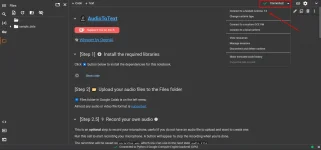
2. Make sure you are connected to T4 gpu first.
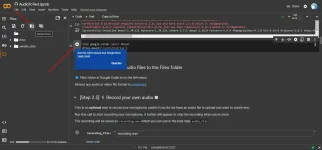
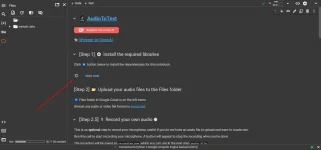
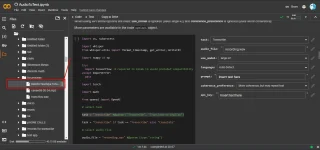
3. Click this icon to start the import of dependencies.
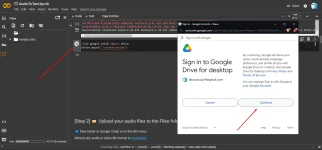
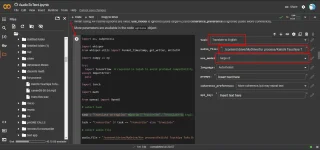
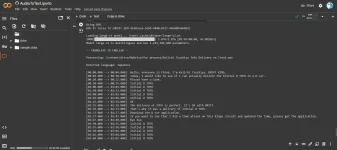
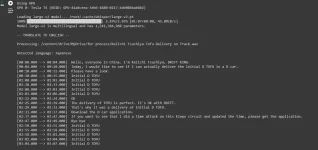
4. Now move on to Step 3 on the Google Collab, copy the path of the file from the google drive from the left tab then paste it on the audio_file tab on the right side, then select the configuration on the right side to begin transcribing.
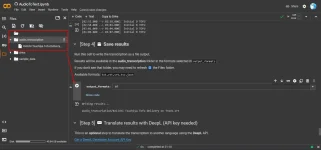
5. After finishing, you move on to step 4 at google collab to export the subtitle. I chose srt file so i can use it on vlc media player( make sure the file name of srt and mp4 file is the same and on the same folder). Now you can use download the srt file by clicking the 3 dots and download.
 PH
PH