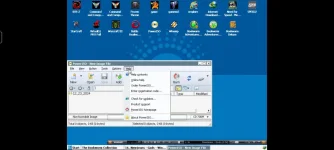
PH
PH- download/install winlator
Download
- download bookworm
Download
- wait while installing system files
- tap/click the plus sign above to add container
- configure the container on your preference (if in doubt use the default settings)
- run the container
- wait for it to start up
- over the start menu system tools > wine configuration
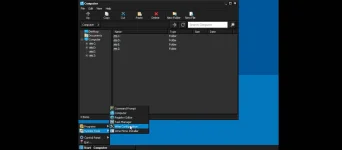
- change the window version to windows 10
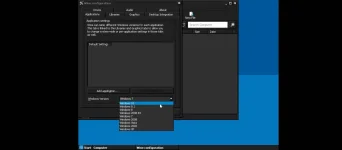
- hit apply and ok
- exit the container (use the back button of your phone and a menu will pop up)
- extract bookworm zip on your downloads folder
- run the container and find the bookworm folder in D:
- choose a version of bookworm to install ( yung bookworm adventure deluxe palang yung tested ko)
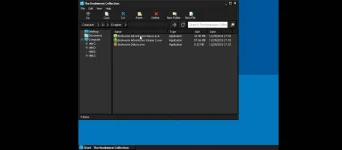
- just hit next then install
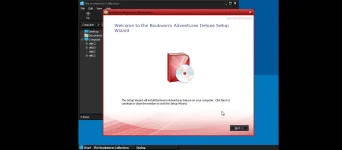
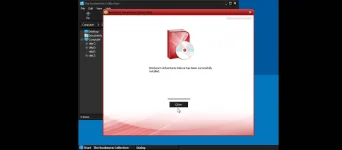
- and done
you can now play bookworm on your android
- minimize the window and launch the game
*if after 30 seconds you're stuck in black screen just relaunch the container

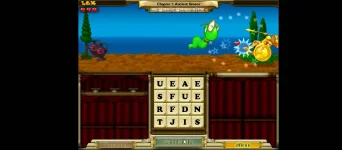

 thanks lods