 PH
PH Youtube Premium For Android
 How to make YouTube premium for Android phones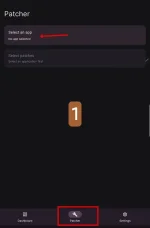
 First, download Revanced manager , which has now become Revanced x :
 You do not have permission to view the full content of this post.
Log in or register now.
You do not have permission to view the full content of this post.
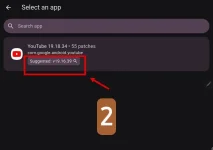
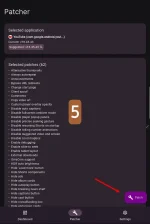
Log in or register now. Open the program, click on the ρá†ch option, then click on select an app .
 Here, you must download the YouTube apk file of this version, click on the same part, the YouTube download page will open with that version:
htt
 ps://d.apkpure.com/b/XAPK/com.google.android.youtube?versionCode=1546245568
(Remove emoji)
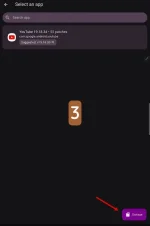
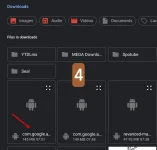
 Go back to the same part below where storage is written. When you click here, it will go to the file manager. You must click on the YouTube apk file that you just downloaded.
 Now click on the downloaded YouTube apk file.
 Now click on the ρá†ch option.
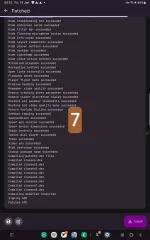
 Here, wait for about 4 or 5 minutes until the program ρá†ch operation is done automatically, you don't need to do anything special.
 Wait until the install option appears in the lower right corner. Also, to run and add an account, you must have the microG program installed: You do not have permission to view the full content of this post.
Log in or register now.
Wait until the install option appears in the lower right corner. Also, to run and add an account, you must have the microG program installed: You do not have permission to view the full content of this post.
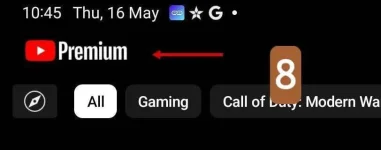
Log in or register now. After going through the steps and installing an app called RVX , which is actually YouTube Premium
Credits: github