PH
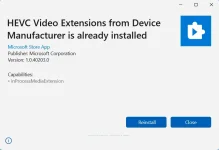
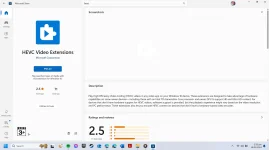
PHPlay High Efficiency Video Coding (HEVC) videos in any video app on your Windows 10 device. These extensions are designed to take advantage of hardware capabilities on some newer devices— including those with an Intel 7th Generation Core processor and newer GPU to support 4K and Ultra HD content. For devices that don’t have hardware support for HEVC videos, software support is provided, but the playback experience might vary based on the video resolution and PC performance. These extensions also let you encode HEVC content on devices that don’t have a hardware-based video encoder.

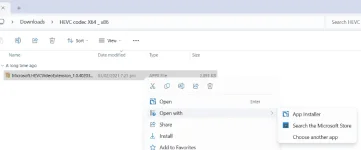
3. Right Click and 'Open with App Installer and Install'
4. Enjoy, nakatipid ka din singkwenta
Download Link
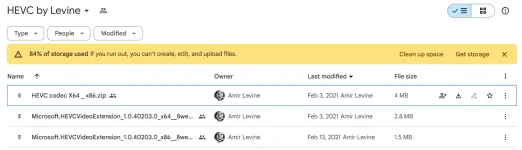
Google Drive
You do not have permission to view the full content of this post. Log in or register now.
Installation Guide
1. Pili kayo sa mga naka zip sa gdrive (x64 and x86 for 32bit) then Download and Extract
2. Right Click and 'Open with App Installer'