 PH
PHPHCsLowDoWn
Forum Veteran
Review
Adobe Acrobat Reader Pro DC is a well-rounded PDF reader that provides cloud sharing, carefully selected text reading options, and a couple of handy editing features. The application is fitted with a brand new visual layer that follows the flat tiles trend of Windows 10 and does a pretty good job of implementing it. Buttons and menus all look and feel natural, with intuitive graphics and descriptions accompanying them to make accommodation a walk in the park for newcomers.
With the main window up, various areas and tools can be accessed with ease, thus serving as a dashboard and starting point for opening PDF files. Users can even sign up for an Adobe account to gain access to its cloud, making it easy to share docs across all supported devices. Users are most likely familiar with everyday operations like opening a PDF document and setting Adobe Reader as a default application for accessible PDFs. Once opened, the user benefits from an impressive amount of navigation, viewing, and some editing options that can be used to advantage.
To eliminate distractions and focus on the text shown on the screen, the user can hide any unnecessary menus and switch to full screen as well as toggle multiple viewing modes. For instance, if a user cannot always keep its eyes on the text (which is not even recommended due to eye strain), the user can set up an automatic reader to configure and have entire documents or just lines spoken to out loud by a digital voice.
A side panel can be used for natural page selection in case the user wants to jump to a specific part of the PDF quickly. At the same time, the built-in search utility can be used to identify particular words or text in no time at all. Another cool thing about it is that users can better define search criteria with options to search in the document itself or custom locations, target a word or phrase, as well as configure more delicate settings like character casing, bookmarks, and comments.
Manipulation is also possible - not for text editing but rather extracting it as easy as selecting and copying words. The same goes for images or any other area after dragging a box around the objects of interest. In terms of PDF export, a standard method is printing, where different options let users carefully adjust page elements and specifications. Furthermore, the document can be saved with any changes or added comments to the same format, saved as plain text, or even delivered by email using an installed client.
The bottom line is that Adobe Acrobat Reader manages to stay ahead of the competition by delivering new, fresh features with every update. Starting with the clean visual design, a large variety of management and viewing options, as well as the highly-intuitive interface, the application makes sure the user has everything it needs for working with PDFs.
Spoiler: Key features:
Spoiler: CHANGELOG:
System requirements:
OS: Microsoft® Windows® XP, Windows® Vista, Windows® 7, Windows® 8, Windows® 8.1, and Windows® 10 (both 32 & 64-bit);
CPU: 1.5GHz or faster processor;
RAM: 1GB;
HDD: 380MB of available hard-disk space;
Display: 1024x768 screen resolution
Internet Explorer 8, 9, or 10 (Windows 8 minimum), 11; Firefox Extended support release.
Install notes:
1. Run the executable file or command-line interpreter program for silent installation (automatic activation);
2. Enjoy!
NOTE: If the user prefers manual activation, the thread also includes the medicine and description of the manual procedure. Kindly read "Readme.txt" or watch the video "How to install.mp4"!
Repack features:
Type: Setup installation;
Languages: Multilingual;
Treatment: Manual [Medicines-XFORCE + hosts] or automatic [PAINTER].
Screenshots:
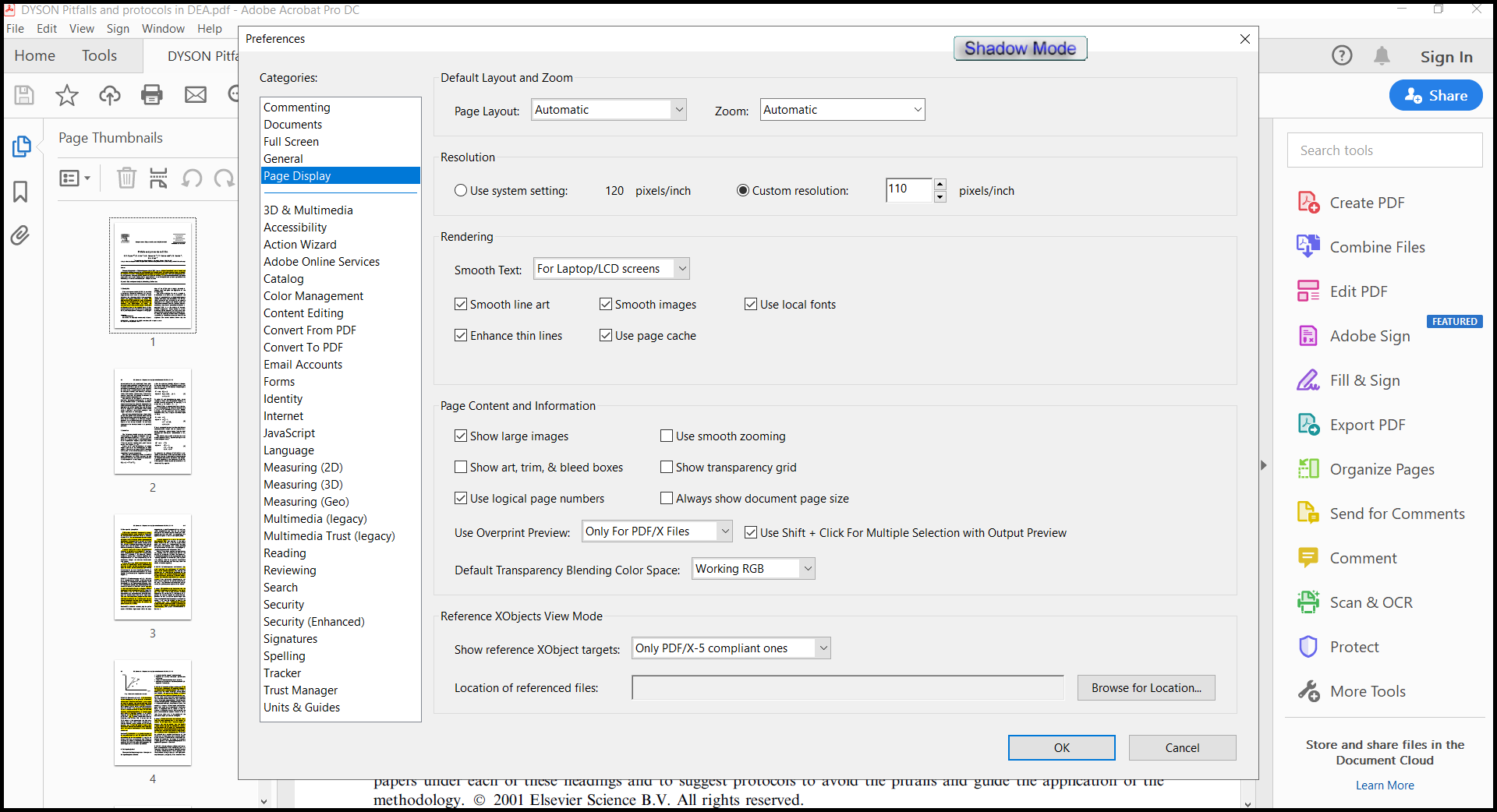
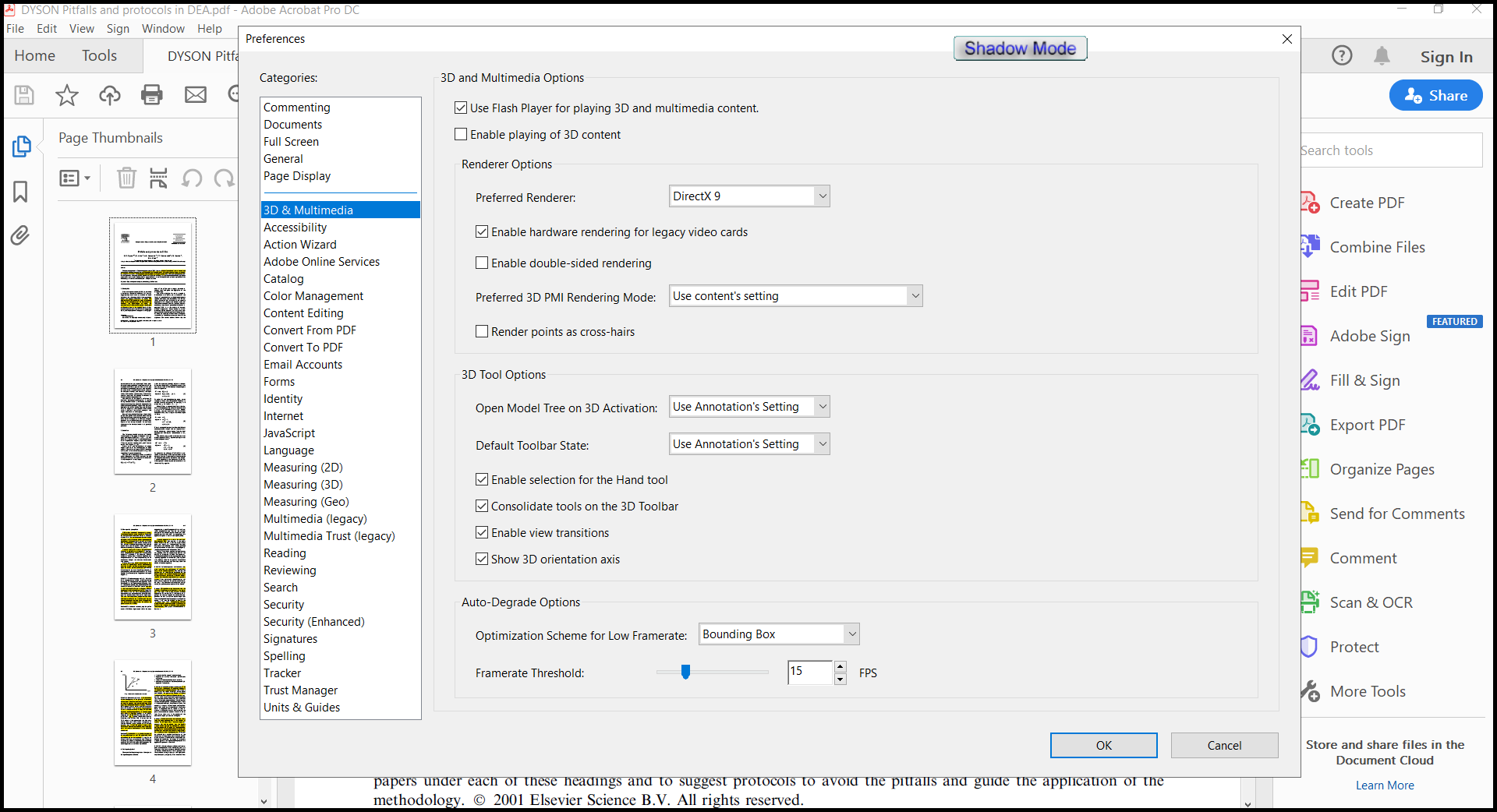
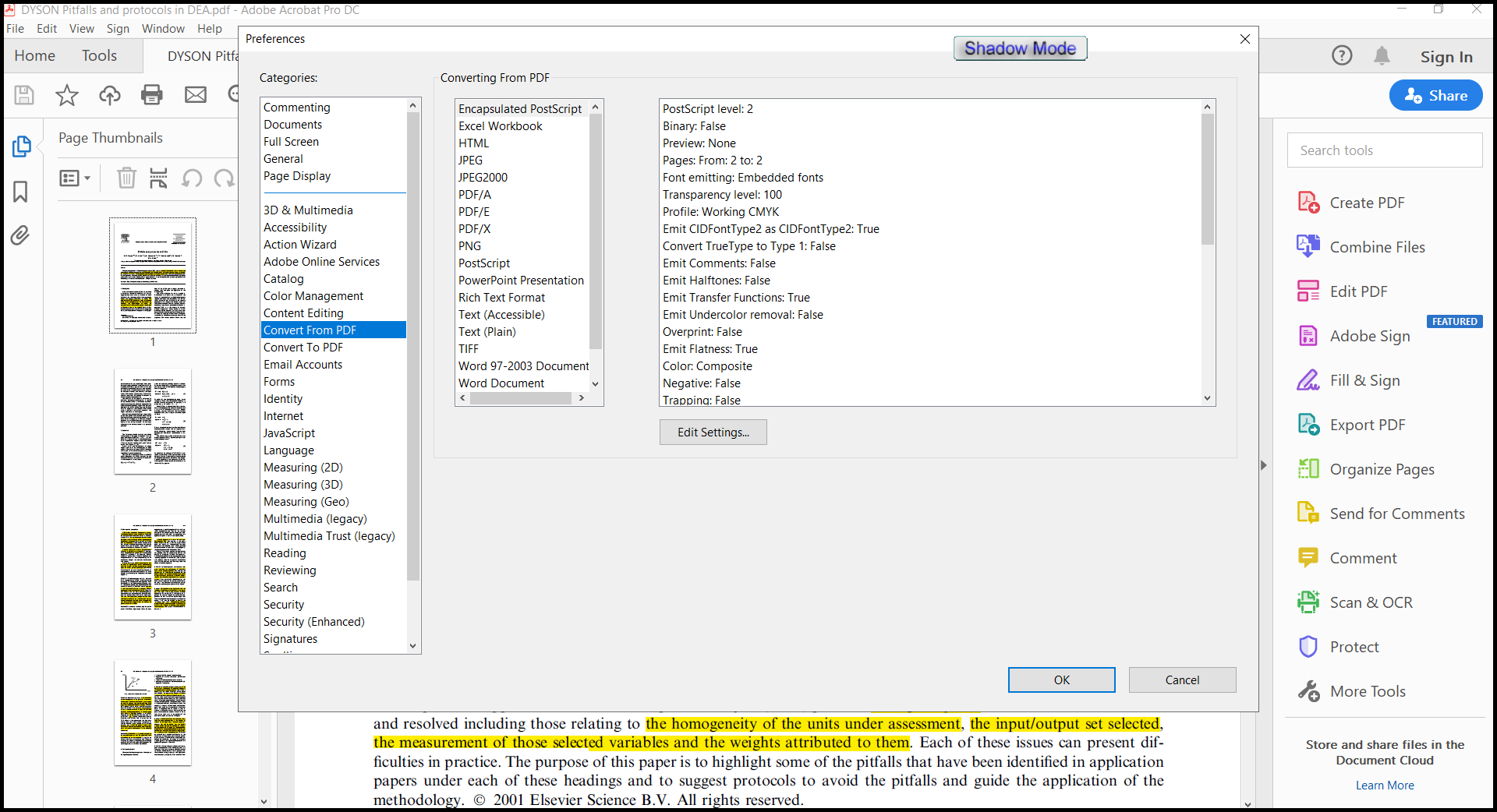
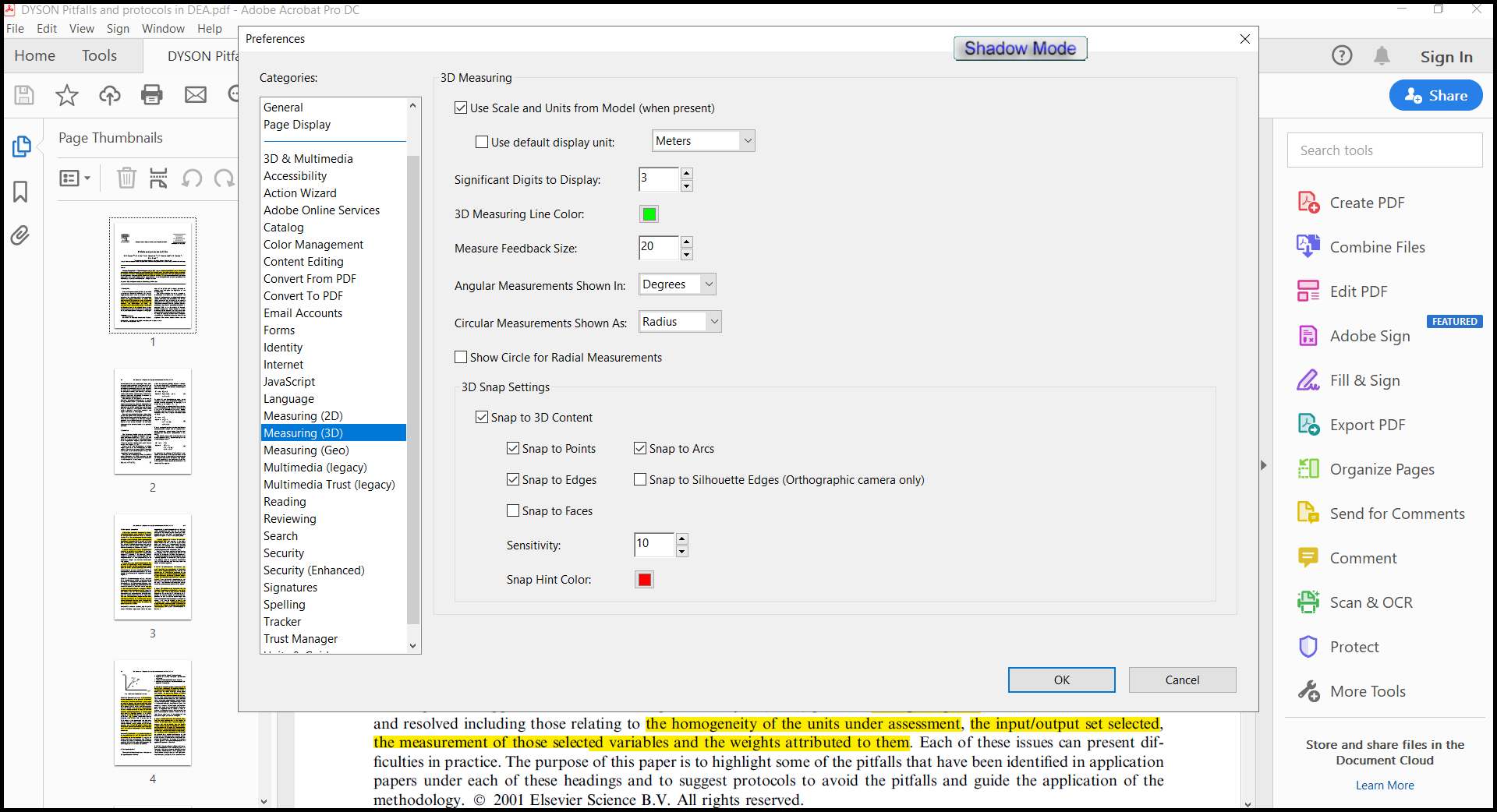
Note: when using automatic activation, all network services will be disabled!
Command line options:
SILENT INSTALLATION + AUTO ACTIVATION:
setup_file.exe -y -nr -gm2
"%WINDIR%\Temp\AdobeAcrobatDC\AcrobatHelper.exe" /S /AUTO
RD /S /Q "%WINDIR%\Temp\AdobeAcrobatDC"
SILENT INSTALLATION + MANUAL ACTIVATION:
setup_file.exe -y -nr -gm2
"%WINDIR%\Temp\AdobeAcrobatDC\AcrobatHelper.exe" /S /MANUAL
RD /S /Q "%WINDIR%\Temp\AdobeAcrobatDC"
Choosing an installation location: /D = PATH
The /D = PATH key should be the most recent
For example: "%WINDIR%\Temp\AdobeAcrobatDC\AcrobatHelper.exe" /S /AUTO /D = C:\MyProgram
LINK FOR 64BIT :
You do not have permission to view the full content of this post. Log in or register now.
LINK FOR 32BIT :
You do not have permission to view the full content of this post. Log in or register now.