PH
PHhunter2021
Elite
There is some misinformation going around.
No, you do not need to uninstall the official Youtube app on your phone.
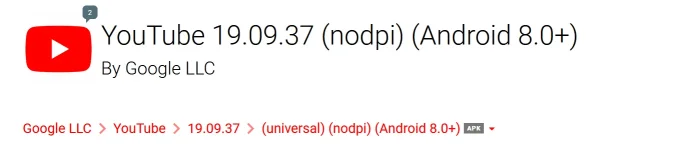
You do not manually install the YouTube 19.09.37 apk you download. Revanced Manager will install it after patching it.
You do not download/install GmsCore prior to patching YouTube 19.09.37 apk.
Follow the below steps:
- Go into your Android Settings and uninstall Revanced Manager, Revanced Youtube, and MicroG.
- Reboot phone.
- Go to You do not have permission to view the full content of this post. Log in or register now. on your phone. Download Revanced Manager apk and install it.
- Go to You do not have permission to view the full content of this post. Log in or register now. YOU DO NOT INSTALL THIS. ONLY DOWNLOAD.
- Open Revanced Manager - > Patcher -> Select an app -> Storage (bottom right icon) -> Select the Youtube apk you downloaded in step 4.
- Go through the patching and install process.
- Launch the patched Youtube. It will prompt you to download GmsCore. Follow the link to download and install it.
- Add your accounts.
- Reboot phone. <-- Don't forget this.
How to disable battery optimization of GmsCore - Open "microG Settings". It's an app. Look in your app drawer.
- Click Self-check
- Scroll all the way to the very bottom.
- Check "Battery optimizations ignored"
Dagdag ko lang to if di paren nasosolve buffering issue nyo :
#1 method : Enabling spoofing in the YouTube app settings (Revanced->Misc->Spoof Device Dimensions)
#2 method : Dissable spoofing, it solved for me. 0. 30 secs buffer 1.enable spoofing keeps 30 secs buffer 2. Disable spoffing 3. Works perfect
All credits to Revanced Reddit team.