 PH
PHRequirements:-
Tempmail ( @tempmailbot )
=> Go to Here Link
You do not have permission to view the full content of this post. Log in or register now.
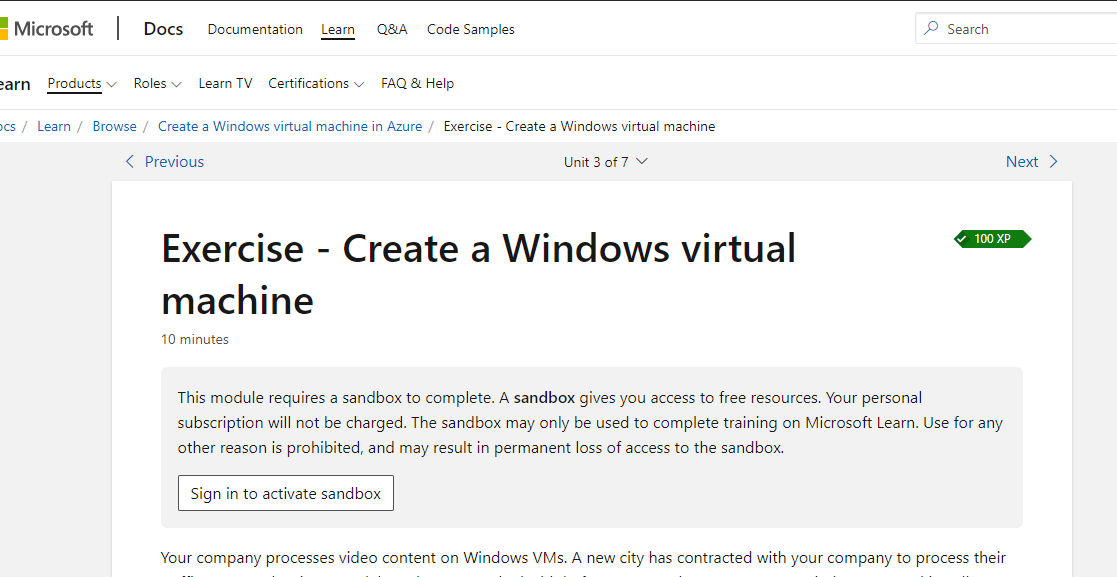
=> Click on Sign in to activate sandbox ( Use Desktop Mode)
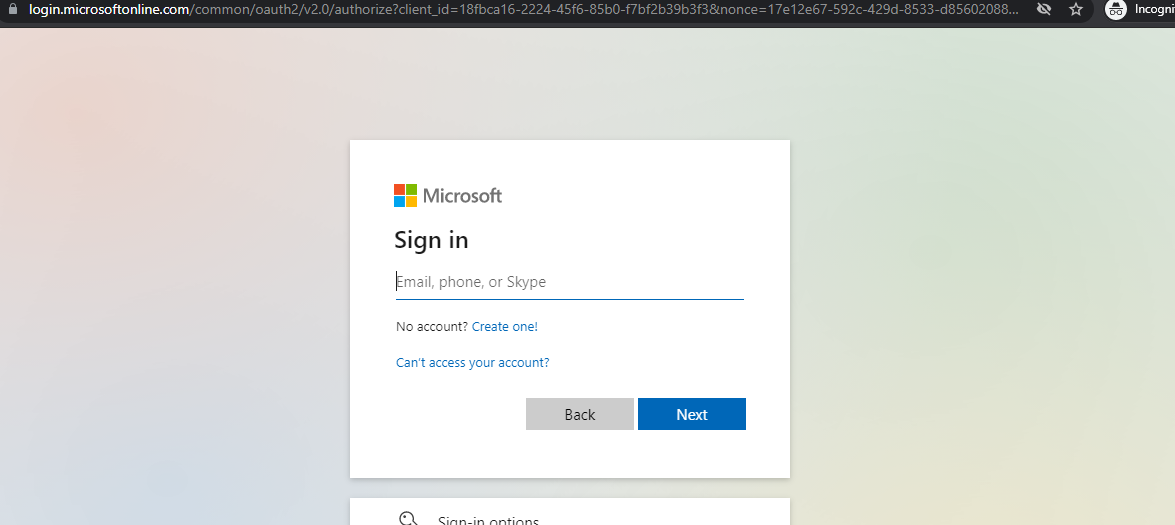
=> Create Account using Tempmail & Enter Verification Code
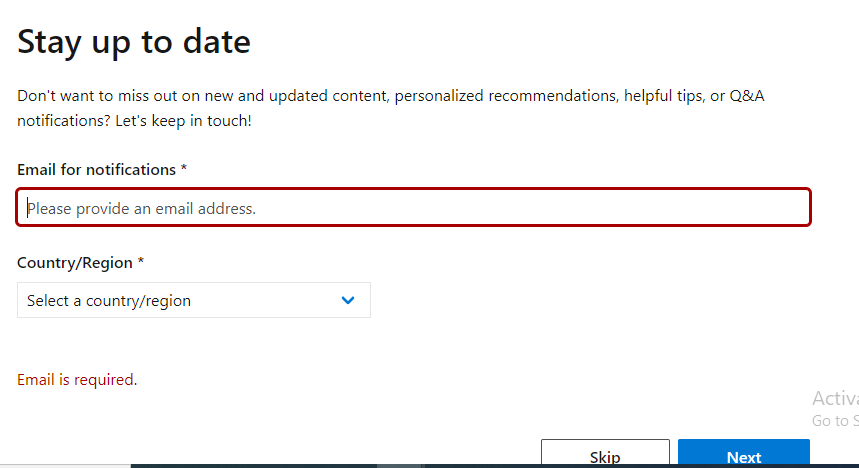
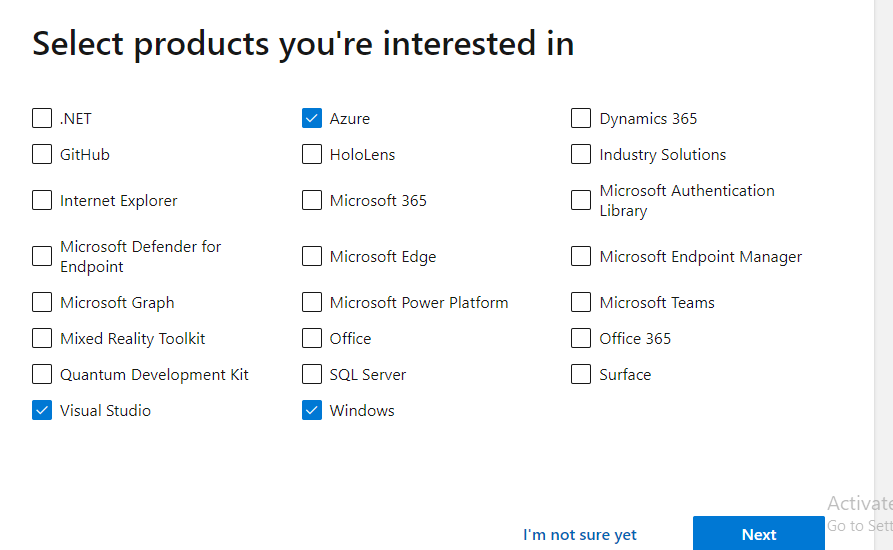
=> Now Enter Display Name & Select Roles
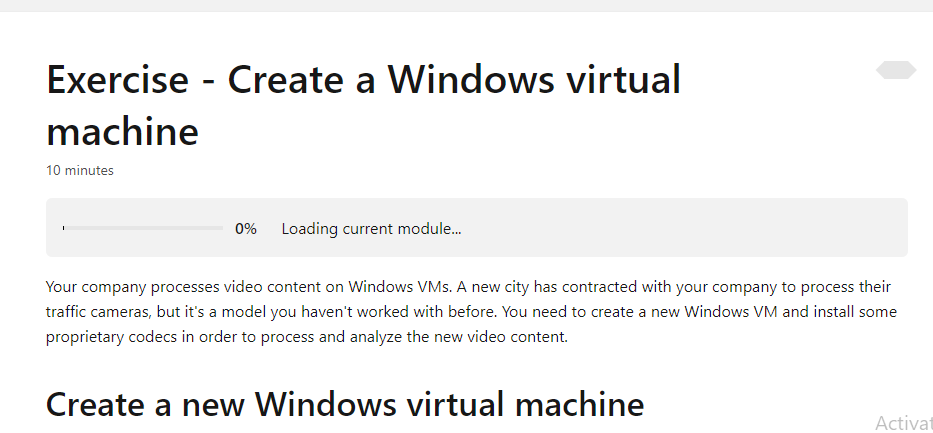
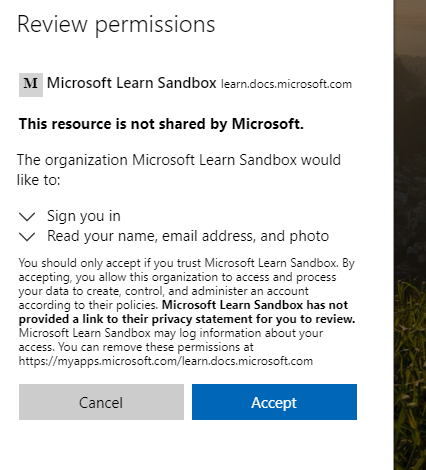
=> Click on Activate Sandbox & Review Permission
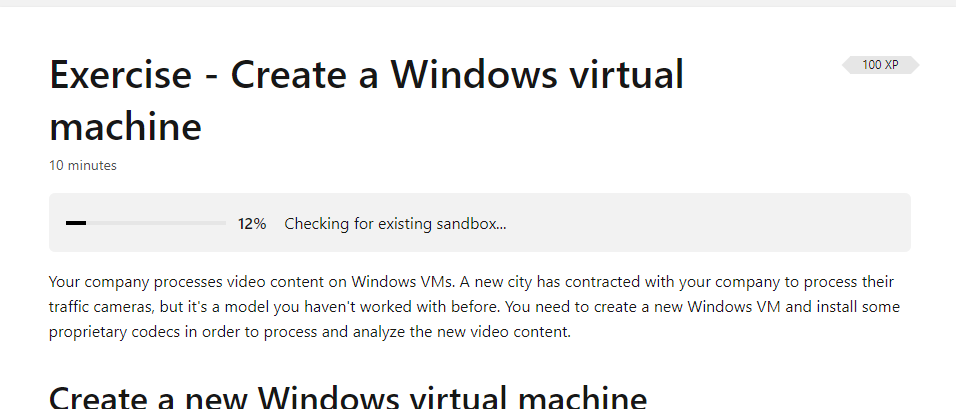
=> WAIT FOR A WHILE
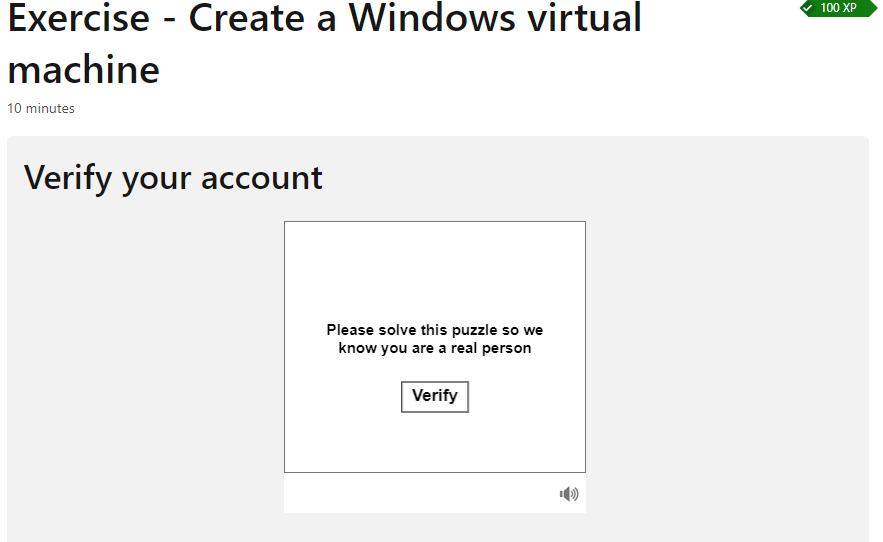
=> VERIFY ACCOUNT
=>ALL DONE
=> Open Azure portel and Create RDP
Note:
- Per Day You can use 10 Sandbox
- Subscription Valid for Month
 | NOTE : THIS ARTICLE IS ONLY FOR EDUCATIONAL PURPOSE
