 PH
PHIntroduction:
As some of you may have noticed, there is no native Netflix App for Mac.As a workaround, someone made a webview (basically the website wrapped as an app) client for it and works just like the actual one:
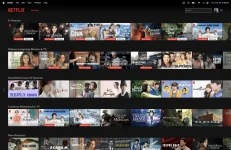
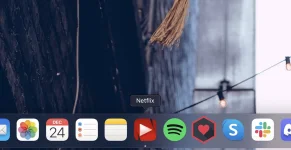
So how do you install it?
Well simply put, you need to install it via You do not have permission to view the full content of this post. Log in or register now..Now what is homebrew?
Homebrew is an unofficial package manager that lets you install and update apps via the command line.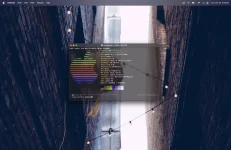
And aside from the official apps you can already install via the official app store, you can also install other 3rd party apps through homebrew.
Installing Homebrew
To install homebrew on your mac, simply launch a terminal (CMD + Space + type terminal) and type the following:
Code:
/bin/bash -c "$(curl -fsSL https://raw.githubusercontent.com/Homebrew/install/HEAD/install.sh)"Wait for the installation to finish and agree to install any additional requirements as required.
Once it's finished, you are now ready to install Netflix (and other homebrew apps).
Installing Netflix
Installing Netflix through homebrew is as easy as typing the following command on your terminal:
Code:
brew install --cask jellybeansoup-netflixOnce it's done, you should be able to launch it on your spotlight (CMD + Space) and also pin it on your dock / launcher (like my second screenshot).
And that's it! No more need to watch Netflix via the browser whenever you are on your mac. Enjoy!