 PH
PH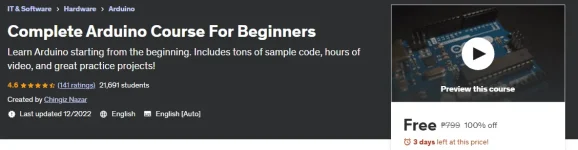
What you'll learn
- Understand what is the Arduino
- Understand what is the Arduino IDE
- Programming on Arduino IDE
- How to work on Arduino without having it
- What is Arduino simulator and how can it be useful to you
- How to display what we want on one digit and four digit 7-segment led display and LCD screen
- What is LED and how it can be controlled by Arduino
- How to detect that button is pressed
- What is a potentiometer and how can it be used?
- What is Buzzer and how to play a melody on it?
- How to connect and get data from several sensors: • Light sensor • Thermometer • Ultrasonic Distance sensor • Motion (PIR) sensor
- Motors. What are the differences between them and how to control them?
 You do not have permission to view the full content of this post.
Log in or register now.
You do not have permission to view the full content of this post.
Log in or register now. 
COUPON: 17NOV2023_5DS_1000ST
Note: The Udemy Courses Will be free for a Maximum of 1000 Learners can use the promo code AND Get this course 100% Free.