 PH
PHADMIN ACCOUNT
Email: SoulCalibre@BeasleyCLU.com
Password: CJKennedy*P0G1
Adobe Admin Console: You do not have permission to view the full content of this post. Log in or register now.
Adobe Creative Cloud Portal: You do not have permission to view the full content of this post. Log in or register now.
Tutorial on how to have an Adobe Creative Cloud (All Apps) 14-day free trial without using a card or any payment method.
REQUIREMENTS:
 Business-Type Email Address - You may use a temporary email (You do not have permission to view the full content of this post.
Log in or register now.)
Business-Type Email Address - You may use a temporary email (You do not have permission to view the full content of this post.
Log in or register now.)
Phone Number - Pwede rin yung mga disposable phone numbers.
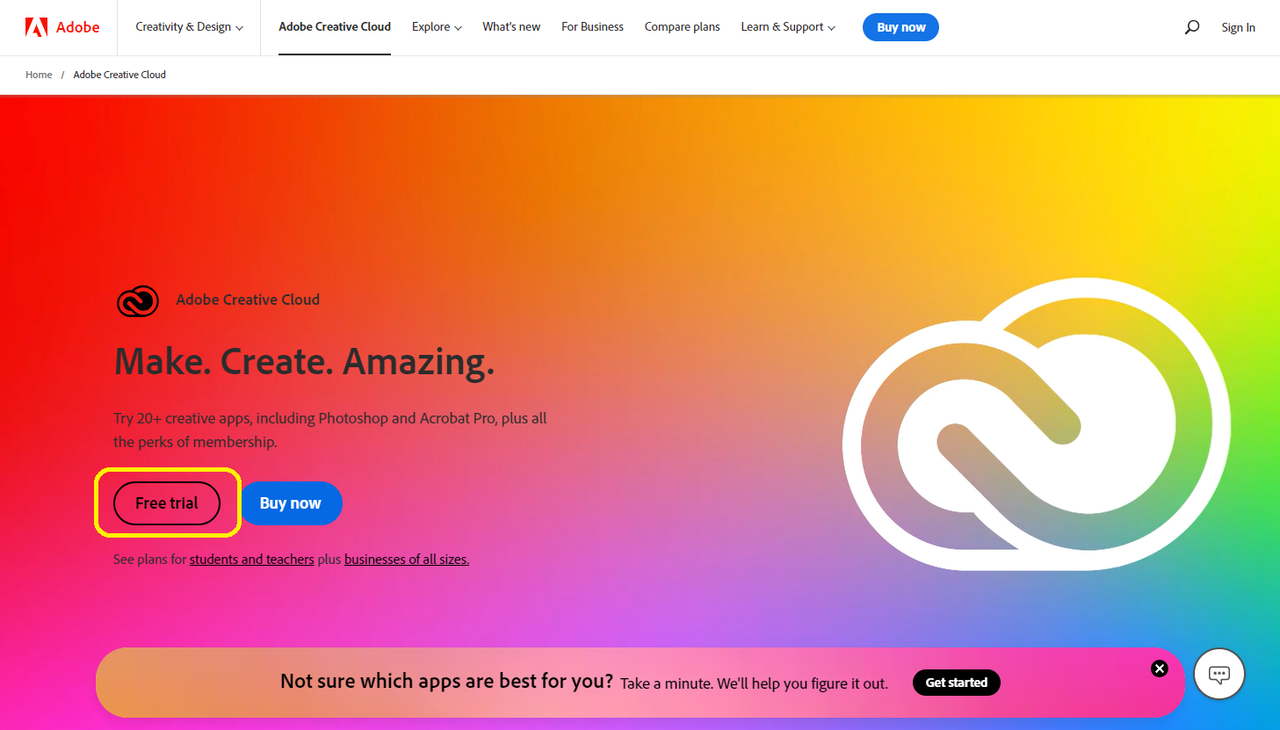
1. Go to: You do not have permission to view the full content of this post. Log in or register now. and click "FREE TRIAL".
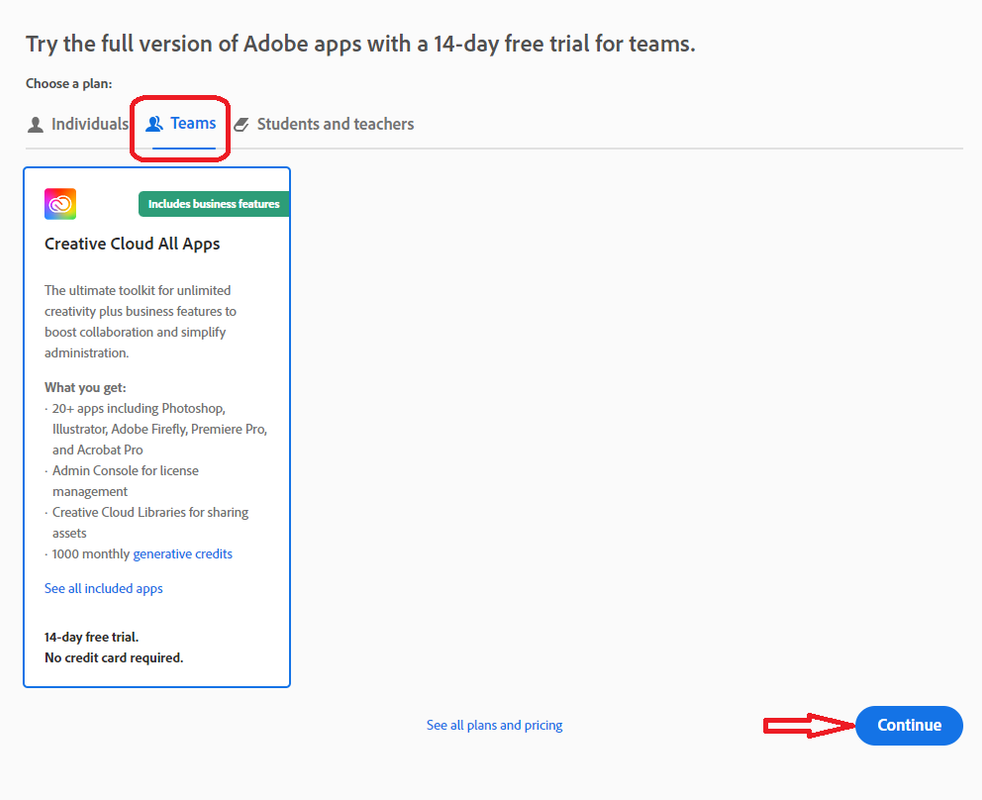
2. Select "TEAMS" then continue.
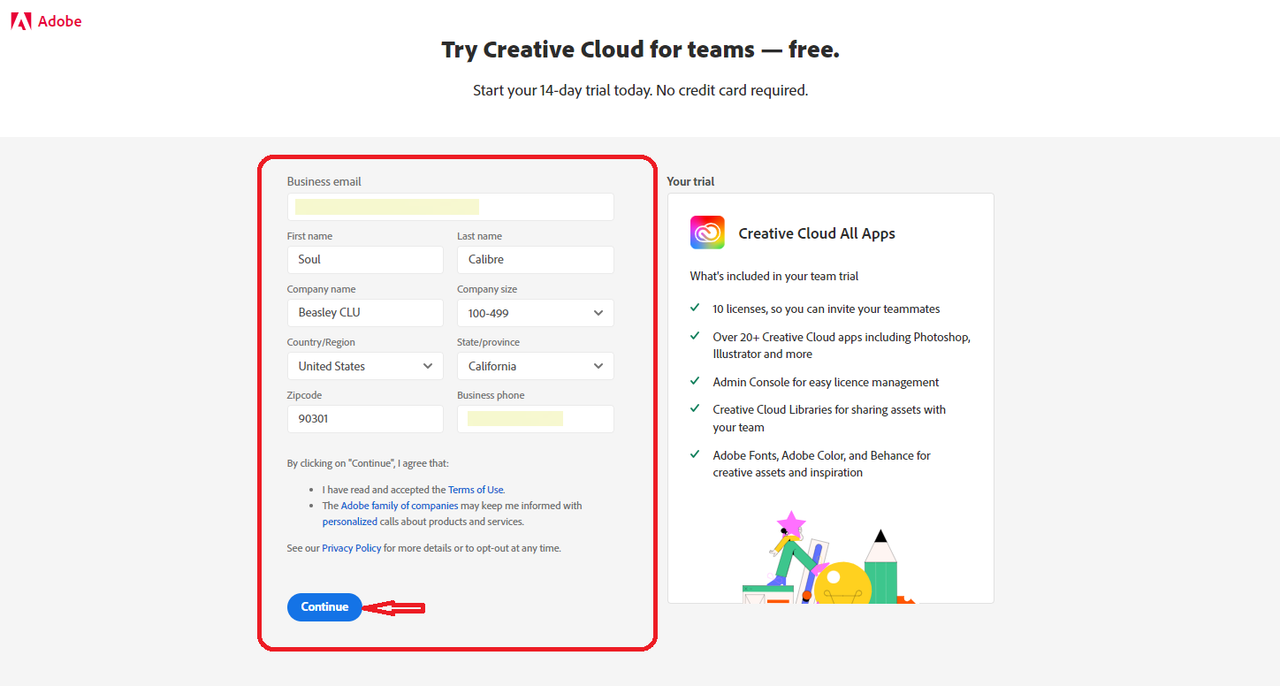
3. Fill up the form and click continue.
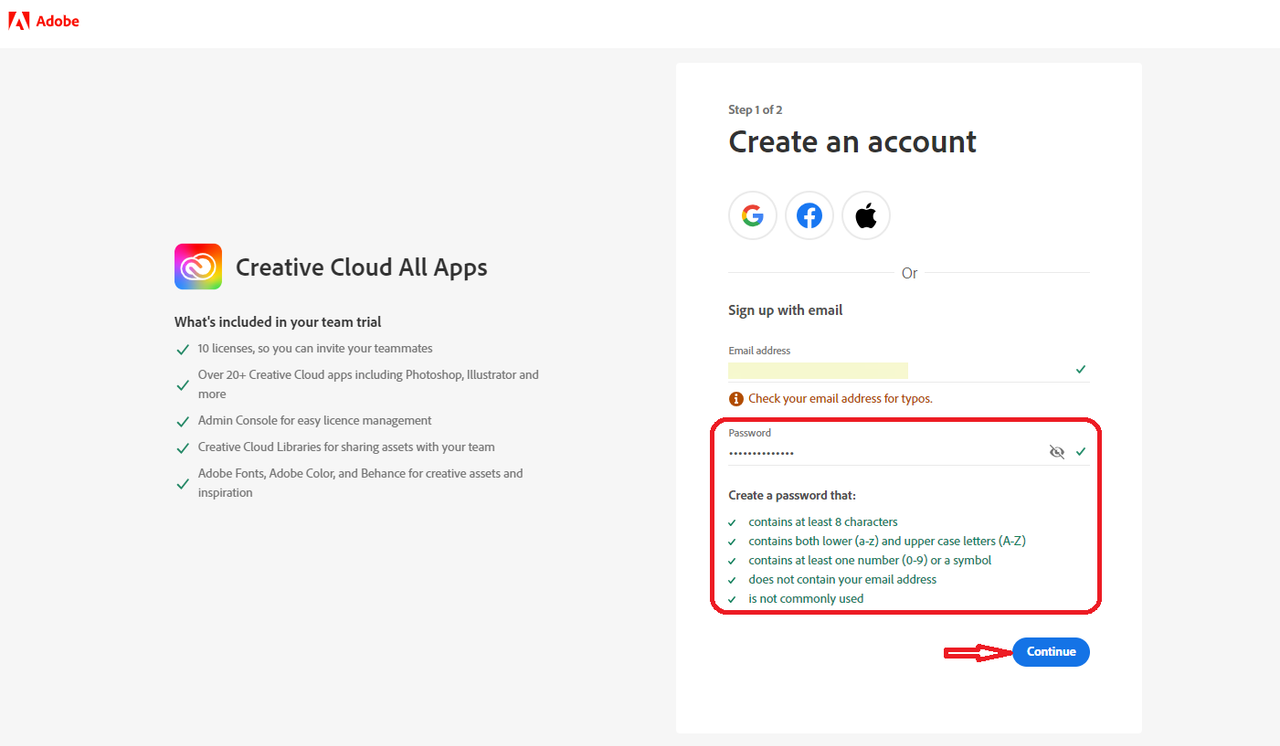
4. Create your password. Make sure to meet the password requirements then click continue.
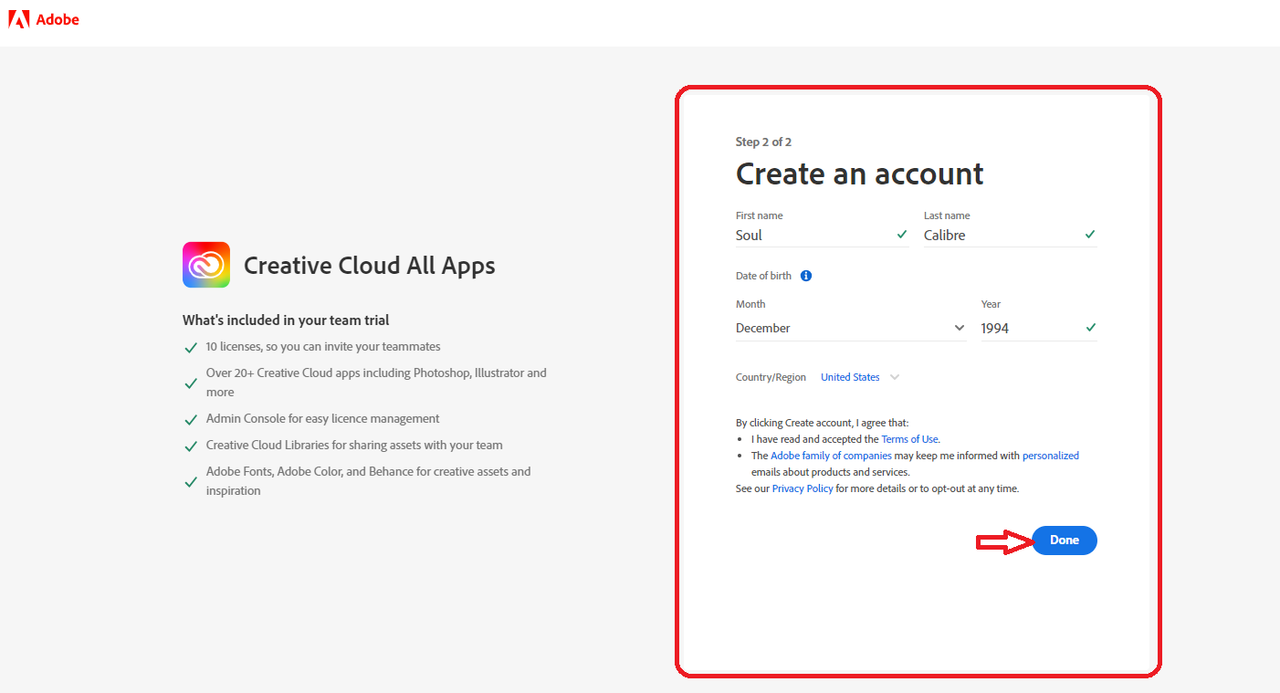
5. Check the details and setup your DOB before clicking "DONE".
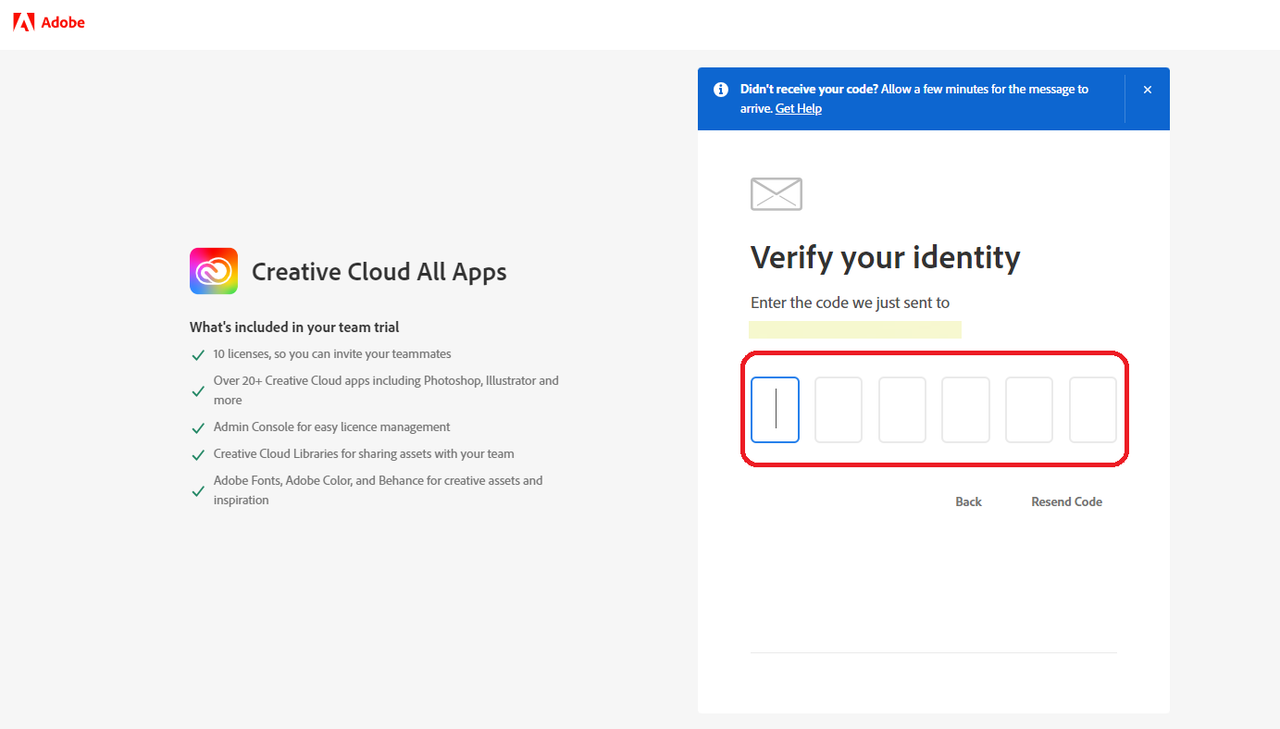
6. Check the email inbox and type in the code.
There you have it! May Adobe Creative Cloud ka na. 14 days trial din yan.
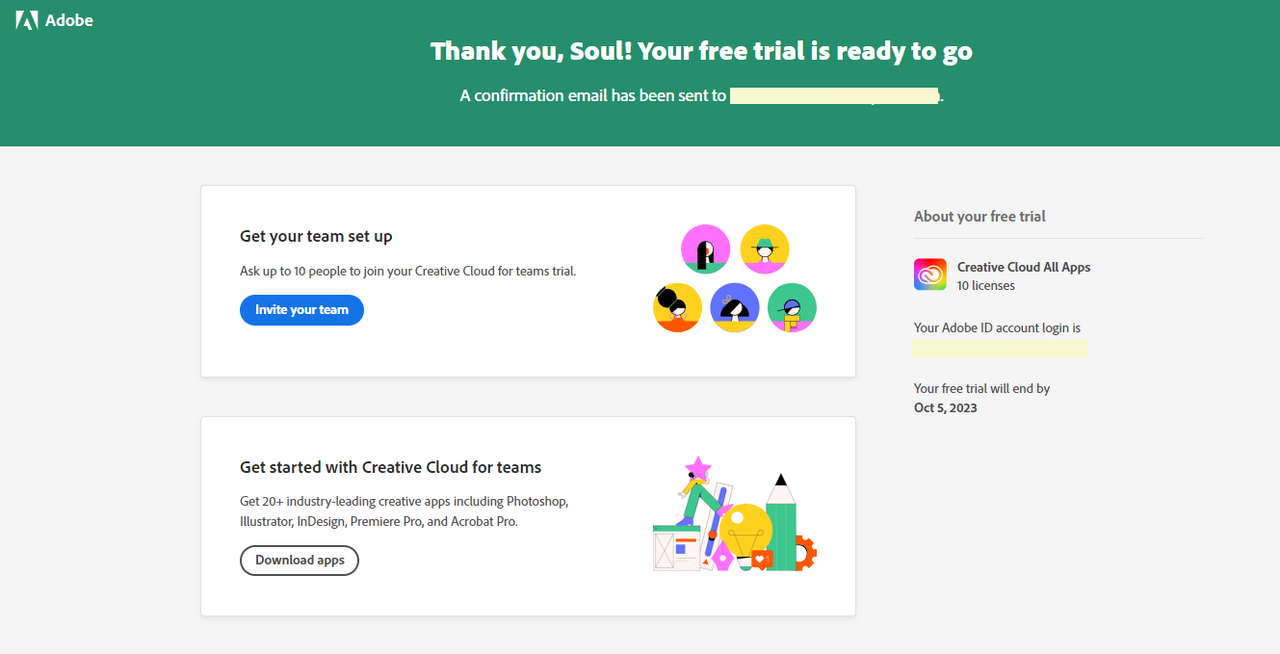
The good thing about it is that you can add 9 more people sa team. Anyone you add will be granted access to Adobe Creative Cloud (all apps) until the end of the free trial.
Email: SoulCalibre@BeasleyCLU.com
Password: CJKennedy*P0G1
Adobe Admin Console: You do not have permission to view the full content of this post. Log in or register now.
Adobe Creative Cloud Portal: You do not have permission to view the full content of this post. Log in or register now.
Tutorial on how to have an Adobe Creative Cloud (All Apps) 14-day free trial without using a card or any payment method.
REQUIREMENTS:
Business-Type Email Address - You may use a temporary email (You do not have permission to view the full content of this post.
Log in or register now.) Phone Number - Pwede rin yung mga disposable phone numbers.1. Go to: You do not have permission to view the full content of this post. Log in or register now. and click "FREE TRIAL".
2. Select "TEAMS" then continue.
3. Fill up the form and click continue.
4. Create your password. Make sure to meet the password requirements then click continue.
5. Check the details and setup your DOB before clicking "DONE".
6. Check the email inbox and type in the code.
There you have it! May Adobe Creative Cloud ka na. 14 days trial din yan.
The good thing about it is that you can add 9 more people sa team. Anyone you add will be granted access to Adobe Creative Cloud (all apps) until the end of the free trial.

