PH
PHThis script can optimize (or make a new) OBS profile with all the relevant settings for high FPS recording tuned, with settings for all PCs:
0. Open PowerShell: PowerShell
1. Import TweakList by copying and pasting in this command, then pressing enter:
2. Run the Optimize-OBS function, example:
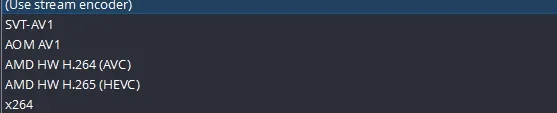
Change NVENC to AMF if you have an AMD GPU
0. Open PowerShell: PowerShell
1. Import TweakList by copying and pasting in this command, then pressing enter:
Code:
powershell -noe "iex(irm tl.ctt.cx)"2. Run the Optimize-OBS function, example:
Code:
Optimize-OBS -Preset HighPerformance -Encoder NVENCChange NVENC to AMF if you have an AMD GPU