PH
PH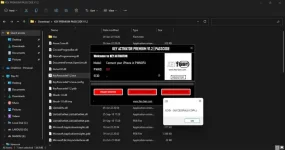
 Key Ac†ïvâ†ør Premium Passcode 1.2 For iOS 15 From 6s To X (Backup & Activate) Free ECID Registration Unlimited – 2023
 How to Use Key Ac†ïvâ†ør Premium?
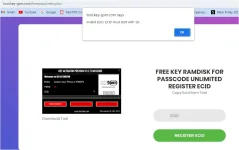
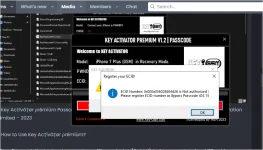
 Step 2: Launch the tool and connect your iPhone device (6s to X) to the computer via a USB cable.Step 3: In the Key Ac†ïvâ†ør Premium interface, select the “Register ECID” option.Step 4: Click on the provided link to self-register your ECID number. CLICK HERE
You do not have permission to view the full content of this post. Log in or register now.
Step 5: Once the “ECID registration” is complete, you can back to the tool interface and click on “Read info” If device information is showing then click on the next “backup passcode” reboot the device and boot in “DFU mode” and click on the “activate passcode” button.Enjoy!!! LINK :https://laroussigsm.net/key-ac†ïvâ†...tivate-free-ecid-registration-unlimited-2023/