PH
PH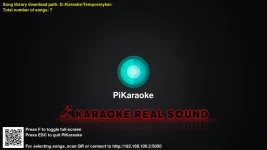
What's New: September 10, 2023
- Added the option to choose your preferred audio quality.
- Continued support for SRT subtitle flashing for the next song across various video formats. (This excludes MP3, CDG, and ZIP files at this time.)
Please follow the instructions below:
- Optional: You have the choice to overwrite the old version, unless you wish to preserve the existing database.db. In that case, please make a backup of the old database.db before proceeding. Afterward, copy the old database.db into the new version of the pikaraoke folder that you have overwritten.
- Unzip the Pikaraoke.zip file.
- Locate and run the Setup_FFmpeg.exe to add FFmpeg to the system environment variables. It will be added if it doesn't already exist.
- Run the pikaraoke.exe executable file.
- Open your web browser and enter the provided IP address. Navigate to the settings section and log in using the password "12345".
- If you have existing karaoke files, return to the settings page and click on the "Rescan song directory".
Source code: You do not have permission to view the full content of this post. Log in or register now.
Download Latest Version:You do not have permission to view the full content of this post. Log in or register now. | You do not have permission to view the full content of this post. Log in or register now.
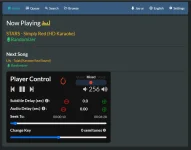
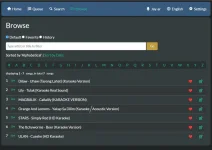
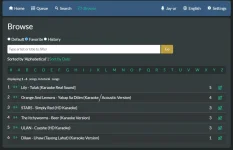
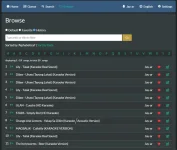
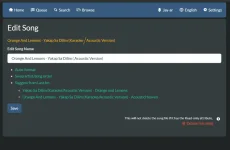
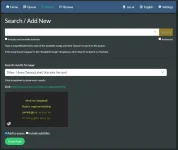
View attachment Pikaraoke 2023.mp4