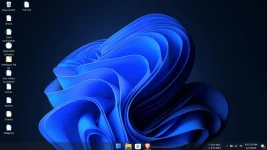
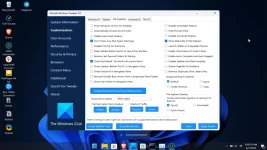
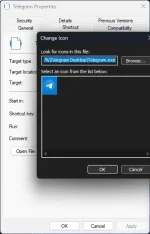
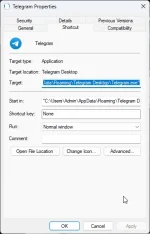
Hello! Could you please provide more information about the issue you're experiencing with weird icons on Windows 11? What do the icons look like, and where are they appearing? This will help me provide more specific and accurate assistance. Thank you!
try mo nga delete yung chrome sa dekstop..then search mo siya sa start. right click > open file location > right click ulit then open file location > right click then create a shortcut ka sa desktop. check mo kung magiging maayos siya. if oo..nagkaproblem sa shortcut icons mo
try mo nga delete yung chrome sa dekstop..then search mo siya sa start. right çlíçk > open file location > right çlíçk ulit then open file location > right çlíçk then create a shortcut ka sa desktop. check mo kung magiging maayos siya. if oo..nagkaproblem sa shortcut icons mo
try mo nga delete yung chrome sa dekstop..then search mo siya sa start. right çlíçk > open file location > right çlíçk ulit then open file location > right çlíçk then create a shortcut ka sa desktop. check mo kung magiging maayos siya. if oo..nagkaproblem sa shortcut icons mo
 PH
PH