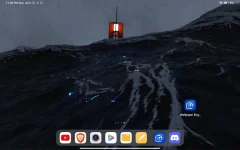
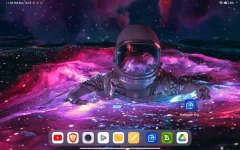
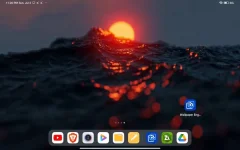
PH
PHOrochiDesu
Forum Expert
Wallpaper Engine - Steam
source steam-unlocked
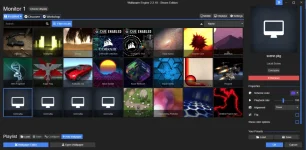
INSTALLATION
Download the files hereOptional yung wallpaper folder, mga wallpaper ko yan na nagamit as samples.
Spoiler contents are visible only to Established Members.
1. Unzip at i open nyo yung folder wallpaper engine folder.
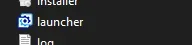
2. Open LAUNCHER - HUWAG yung installaer ha, di gagana yan
3. Select monitor (kung multiple monitors kayo)
4. Click CHANGE WALLPAPER.
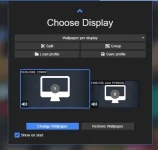
4. Pili ka na and click OK
IMPORTING THE WALLPAPERS
1. Click OPEN WALLPAPER2. Click OFFLINE WALLPAPER
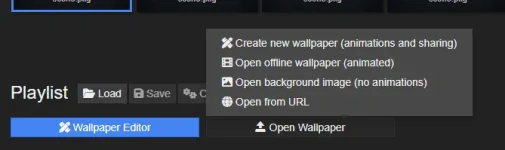
3. Hanapin nyo yung wallpaper nyo at i unzip
- i recommend yung package para editable yung kulay, music, effects (kung meron sa wallpaper)
4. Hanapin nyo na sa lists nyo, minsan walang thumbnail yung imported package.
DOWNLOAD FROM WALLPAPER ENGINE WORKSHOP - STEAM
Spoiler contents are visible only to Established Members.