PH
PH
Step 1 :
Copy/Open the link below to sign up.
You do not have permission to view the full content of this post.
Log in or register now.
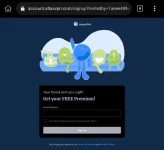

Step 2 :
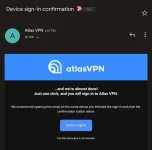
Install/Open the Atlas VPN app then login nyo yung niregister niyong email. Magsesend ulit yan ng login link sa email nyo.

Step 3 :
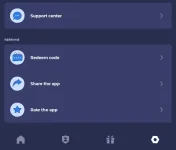
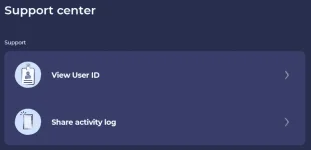
Now go to Settings> Support Center> View User ID. Copy to clipboard your User ID.

Step 4 :
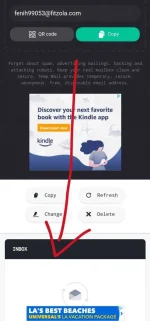
On your browser, Open You do not have permission to view the full content of this post.
Log in or register now. para sa temporary email.

Step 5 :
Uploading..
Step 6 :
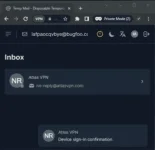
On Temp Mail Inbox, Open the invitation link then Confirm Sign-in.
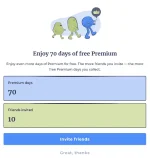
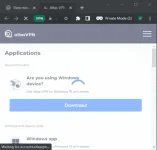
Wait nyo mag load yung mag oopen na tab then pwede nyo ng i-close. Then check kung may nadagdag na Premium Days.
Step 7 :
Repeat the above process para umabot kayo sa 70 Days. Hanggang 10 referral lang kaya create nalang ulit kayo ng bagong main email na lalagyan nyo ng premium days.
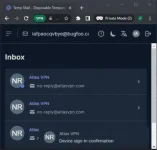
#YOU CAN USE THE DOT TRICK PARA ISANG TEMP EMAIL LAG GAGAMITIN NYO. AND MARERECEIVED PARIN SA SAME INBOX NG TEMP EMAIL.
1st invitation : iafpaocqvbye@bugfoo.com
2nd invitation : i.afpaocqvbye@bugfoo.com
3rd invitation : ia.fpaocqvbye@bugfoo.com
and so on, hanggang mag 10x.
QUICK FEATURES