 PH
PH
PDF Extra: Get all the PDF functions you need with a single application to edit, view, annotate, fill in, sign, protect, scan to PDF, export to Word / Excel and organize PDF pages. Edit PDF files with the most advanced mobile editor available.
Feel free to change any aspect of the document that you want texts, images, design, signatures, certificates and more. View and organize pages in PDF files # rotate and delete pages at your convenience. Open and view PDF files quickly. The optimized reading mode gives you the best reading experience: continuous, page mode or scheme.
Main Features :-
View and Comment
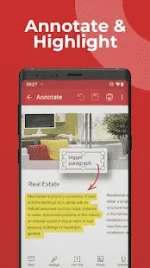
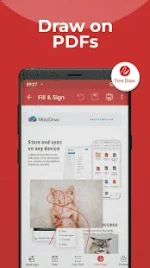
Make comments on PDFs using sticky notes and drawing tools. Highlight and markup text with the annotation tools.
Scan to PDFs
Scan and digitize your paper documents into editable files with ease. Create one-page PDFs or scan a dozen in a single file using the auto batch option.
Fill and Sign
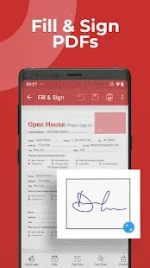
Fill out and sign PDF forms on the go, directly from your mobile device. Advanced support for fillable PDF forms allows you make all the changes you need and to sign documents with your saved digital signature or by simply drawing the signature on the document.
Read a nice eBook
Cozy up and read a nice eBook by using the Dark mode or even have it read out to you like a bedtime story via the Text to Speech feature.
Export to JPEG
A picture tells a thousand words. Use the free JPEG converter to quickly turn a PDF into an image file.
Print PDFs
Printing documents is easy and intuitive. Entire documents or just specific pages, the choice is yours.
Turn images to PDF
Select an image from your Gallery or use the “Share to PDF Extra” feature to turn images from other apps to PDF files.
Protect PDFs
Protect your sensitive documents with passwords to lock, encrypt and restrict the access to them. Work with advanced PDF certificates to validate their authenticity.
Integrated File Manager
Manage your local and remote documents with ease. Quickly locate your PDFs in the device`s “My Documents” folder, browse your local storage, or access and sync your documents on the cloud.
The following features are unlocked via In-App Purchase. Get them to make the most of your time with PDF Extra.
Info :-
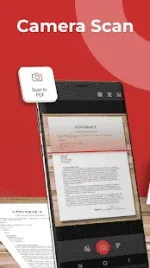
Camera scan to PDF
Transform your device’s camera into a practical OCR scanner and turn any paper document into a PDF in seconds.
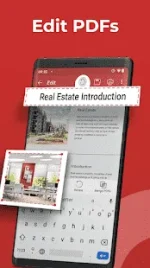
Edit PDF files
Edit PDFs with the most advanced mobile editor available. Feel free to change any document aspect you want – text, pictures, signatures, certificates and more.
Convert PDFs
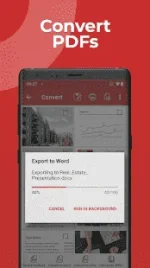
Convert PDFs to Word, Excel or ePub while keeping the original layout and formatting. Save Word, Excel and ePub files as PDFs and share them with ease.
Organize pages in PDFs
View and organize pages in PDFs – Enjoy full control of your PDF’s structure. Rotate, delete and rearrange pages to create a perfectly organized PDF file.
Merge PDFs
Make your life a bit easier by merging multiple PDFs into one. Manage boarding passes, movie tickets or just add new PDFs to existing ones.
Mod Info :-
This app has no advertisements

Download (68.2 MB):
| You do not have permission to view the full content of this post. Log in or register now. |

