PH
PHairwavemac
тωєηту-мσяє
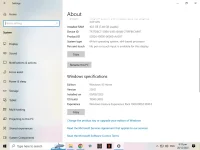
TUT: Upgrading/Updating Windows 11 Pro from Version 21H2 to Version 22H2
Files we need:
Modified/Edited appraiserres.dll file
Windows 11 Pro ISO v22H2
Instruction:
1. Go To Official You do not have permission to view the full content of this post.
Log in or register now.
then Download Windows 11 Pro ISO v22H2
2. Download Modified/Edited appraiserres.dll file here
You do not have permission to view the full content of this post. Log in or register now.
3. Copy your downloaded Modified/Edited appraiserres.dll file
4. Extract your Downloaded ISO
5. Open your Extracted ISO folder then go to Sources folder
then Paste and replace the older appraiserres.dll file.
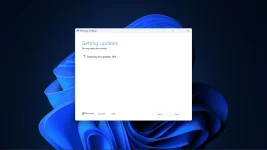
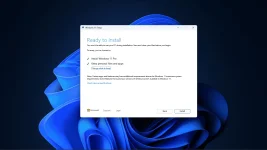
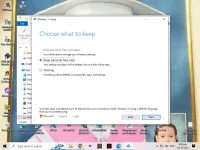
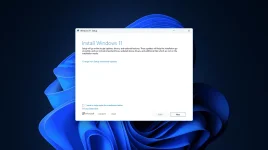
6.then go back to ISO folder then run the Setup as admin.
then Download Windows 11 Pro ISO v22H2
2. Download Modified/Edited appraiserres.dll file here
You do not have permission to view the full content of this post. Log in or register now.
3. Copy your downloaded Modified/Edited appraiserres.dll file
4. Extract your Downloaded ISO
5. Open your Extracted ISO folder then go to Sources folder
then Paste and replace the older appraiserres.dll file.
6.then go back to ISO folder then run the Setup as admin.
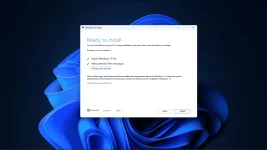
Done!
VIDEO TUT