PH
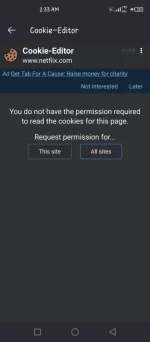
PHmas okay sya kesa kiwi since makakapag install kapa ng iba pang extension aside cookie editor.
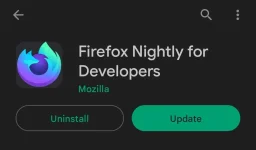
1. Download FireFox Nightly
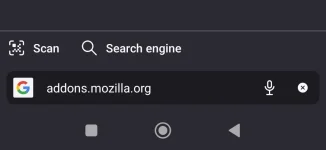
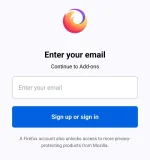
2. open the browser and go to addons.mozilla.org and register
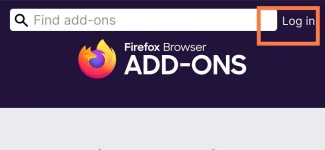
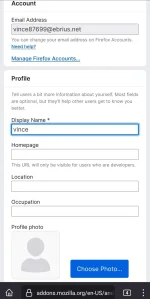
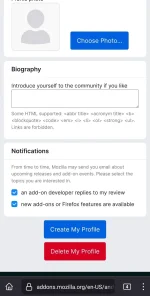
3. Just fillup the name and click create my profile
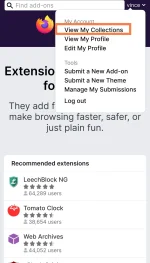
4. Go to view my collection and click create collection
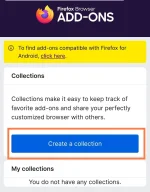
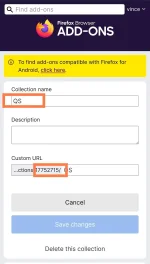
5. Input any name and Take note the name and I.D of the collection
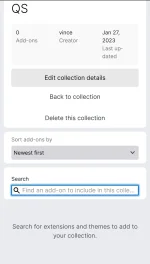
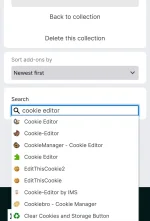
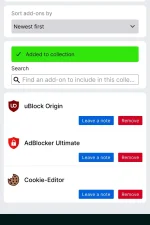
6. add any addons on collection like cookie editor and adblocker using the search bar
7. Then go to browser settings and find "about firefox nightly"
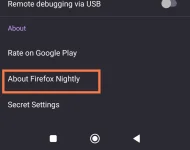
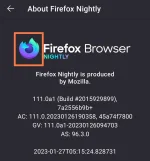
8. Click firefox icon five times
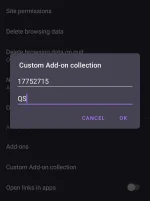
9. go back to settings and look for "custom add on collection"
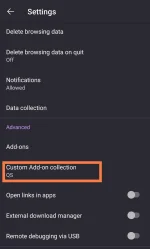
10. insert collection I.D and name ,then the application will restart
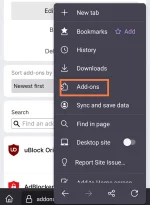
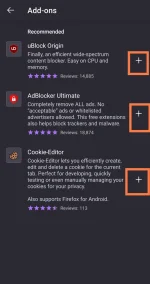
11. click the 3 dots and go to add-on and activate the add-on extension by clicking the plus sign
1. Download FireFox Nightly
2. open the browser and go to addons.mozilla.org and register
3. Just fillup the name and click create my profile
4. Go to view my collection and click create collection
5. Input any name and Take note the name and I.D of the collection
6. add any addons on collection like cookie editor and adblocker using the search bar
7. Then go to browser settings and find "about firefox nightly"
8. Click firefox icon five times
9. go back to settings and look for "custom add on collection"
10. insert collection I.D and name ,then the application will restart
11. click the 3 dots and go to add-on and activate the add-on extension by clicking the plus sign