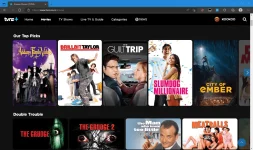
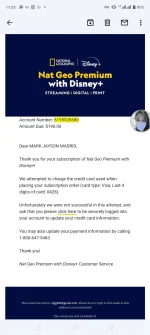
Bonkitz43 hunter2021 Markpadama
This might not be 100% accurate, trial and error ko lang,
Try nyo na lang din..
1. Make sure, both your Android Device and your Smart TV are connected in the same wifi network.
2. Try nyo muna mag lagay ng dns sa android phone nyo.
Dito sa screenshot, ginamit ko ang unang dns sa latest update (24mv5grz4y1.dns.controld.com)
View attachment 2352756
3. Try no din mag stream muna sa mga US Based s†rêâmïng sites like Disney+ kahit ilang minutes.
4. ilagay nyo naman ang equivalent Legacy dns na ginamit nyo sa android phone nyo (76.76.2.182)
Dito sa screenshot kita nyo naman connected sya
 View attachment 2352760
5. Tried and Tested Working..
Prime Video Channel: STARZ
View attachment 2352764
6. Good Luck sa inyo, working yang mga DNS na yan, mag experiment na lang din kayo kung paano nyo mapapagana sa Smart TV nyo
Disney+ US ang app na gamitin mo, hindi Disney+ PH
download ka na lang sa apkpure
 PH
PH