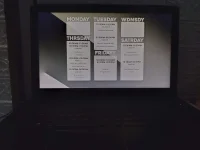
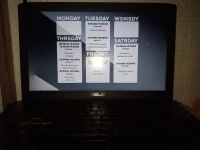
Y youonlyliveonce Established Oct 19, 2022 #1 guys pano gagawin dito lagi syang parang nag yeyellow parang night light di ko alam kung pano alisin
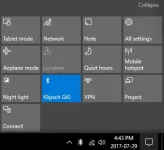
TS TS Y youonlyliveonce Established Oct 19, 2022 #3 plspunchme said: Sa task bar bottom right (notification) disable mo lang View attachment 2254692 Click to expand... kahit naka disable paps automatic
plspunchme said: Sa task bar bottom right (notification) disable mo lang View attachment 2254692 Click to expand... kahit naka disable paps automatic
C centdroid Fanatic Oct 19, 2022 #4 Natry mo na color profile? Settings>System>Display>Advanced Display Settings>Display Adapter Properties...>Color Management Palitan mo yung ".icm". Parang ganto sakin dati lalo pag nagbubukas ako ng pictures. Or google mo na lang how to change color profile .icm para mas detailed.
Natry mo na color profile? Settings>System>Display>Advanced Display Settings>Display Adapter Properties...>Color Management Palitan mo yung ".icm". Parang ganto sakin dati lalo pag nagbubukas ako ng pictures. Or google mo na lang how to change color profile .icm para mas detailed.