 PH
PH
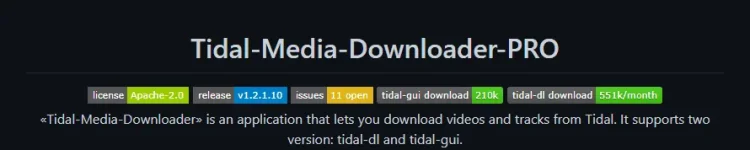
You do not have permission to view the full content of this post.
Log in or register now. | You do not have permission to view the full content of this post.
Log in or register now. | You do not have permission to view the full content of this post.
Log in or register now. | Channel

Windows | Tidal-GUI (For Beginners) (Easy)
You do not have permission to view the full content of this post. Log in or register now.
Download the latest You do not have permission to view the full content of this post. Log in or register now.
Start "The Login Process"
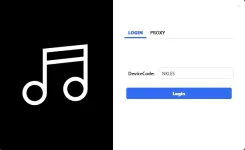
1. Login
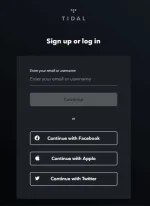
2. perform browser based login
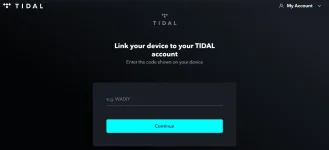
3. Authorize tidal-gui, simply put the code and continue, in my case the code is NKLES
Note: may error sa pag authorize ng code, but still successful ang pag authorize natin
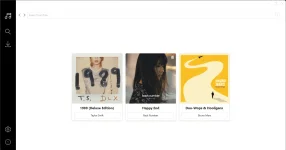
Tidal - Gui Dashboard if successful ang pag authorize.
Note:

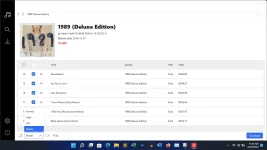
Be familiar with this "M/A/E"

To download in different quality (Normal, High, HiFi, Master), hover your mouse to this area.
Example:
Windows | Tidal_DL - Python [exe] (Recommended) (Advance)
You do not have permission to view the full content of this post. Log in or register now.Download the latest You do not have permission to view the full content of this post. Log in or register now.
Tidal-DL Dashboard
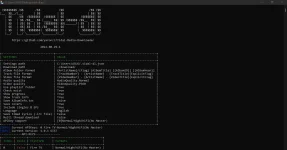

1. Choose valid(True) platform that can download Normal/High/HiFi/Master formats.

in this case we choose index 4, enter

2. Start The Login Process, as per the instructions go to "You do not have permission to view the full content of this post. Log in or register now."
3. Perform Browser Based Login
4. Authorize tidal_dl, simply put the code and continue, in my case the code is KMISO
Note: may error sa pag authorize ng code, but still successful ang pag authorize natin
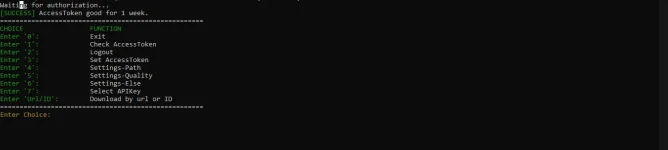
Tidal_DL Success message if successful ang pag athorize.
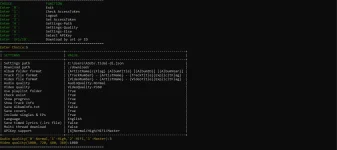
Set your preferred Audio Quality to download, in my case i want to download Master audio so i choose opt. 3
Video Quality is 1080
(Be familiarize with this tool, explore on your own!)
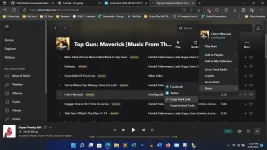
Now to Download, copy the URL of the song/album/playlist, click Share, click Copy. . .Link (Please refer to the image)
Now Paste the copied link here and enter, then it's start downloading


Download Success!
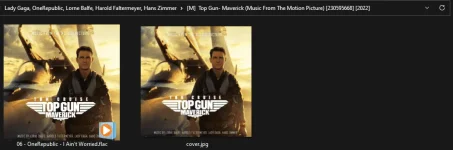
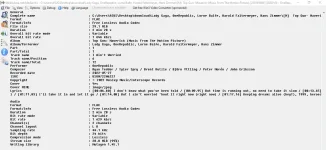

Download Dolby Atmos Audio with Tidal HIFI Subscription
#Use android version of Tidal to find Album or Tracks with logo in it.
#Make a playlist of only dolby atmos songs for easy access
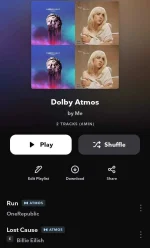
here's the playlist i created using android version of tidal app
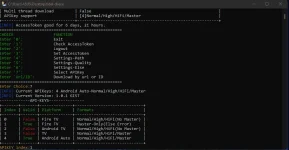
#now in your tidal_dl program, choose "Select APIKey" "7" enter, then select index 1 "Fire TV" 1 enter
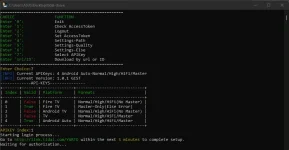
#repeat the login process
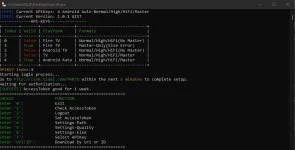
#Successfully Login
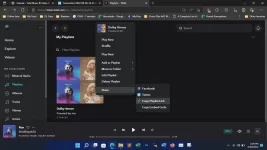
#now open tidal in your desktop browser, find your dolby atmos playlist, and copy the playlist link (refer to the image)
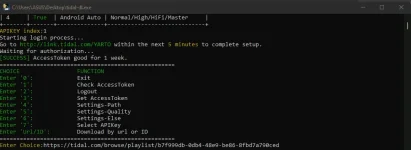
#in your tidal_dl program paste the link you copied earlier and then _enter, now it's start downloading your dolby atmos tracks.
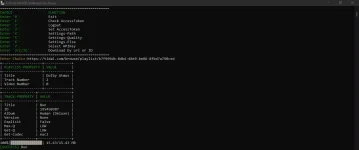
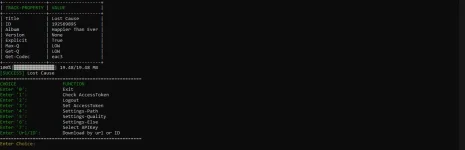
Download Success
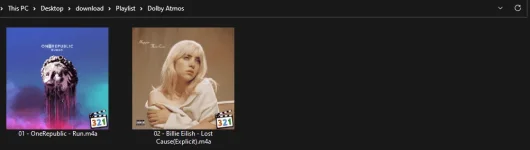
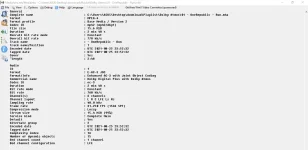
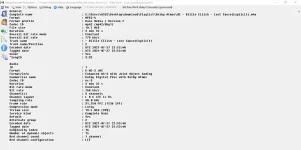
Android | Tidal_DL - Python [Termux] (Advance)
To
be
continued . . .
 Libraries and reference
- You do not have permission to view the full content of this post. Log in or register now.
- You do not have permission to view the full content of this post. Log in or register now.
- You do not have permission to view the full content of this post. Log in or register now.
- You do not have permission to view the full content of this post. Log in or register now.
 Disclaimer
- Private use only.
- Need a Tidal-HIFI subscription.
- You should not use this method to distribute or pìrâ†é music.
- It may be îllégâl to use this in your country, so be informed.