 PH
PHHello Just want to share with you guys especially sa mga lowend na desktop/laptop na madalas nag freeze or not responding yung apps
Eto lang ginawa ko
Follow this steps
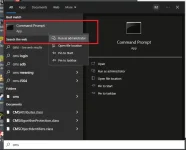
search CMD then open , " Run as administration"
next step
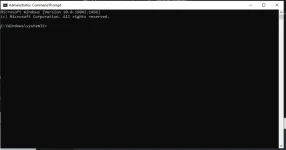
this will look like
now type the word
sfc / scannow
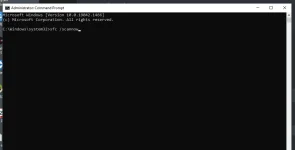
press enter
wait until 100%
next step
search run, then open the app
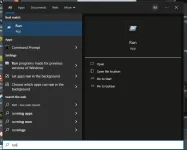
type
%temp%
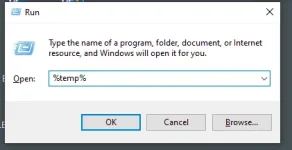
file folder will open
delete all files
don't worry this files is temporarily files only
no effect on the system
it just clean the unnecessary files to your PC
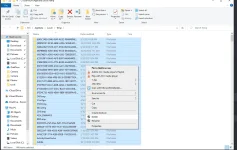
DONE!!!
Feedback guys kung working din sainyo.
if this not works
I will post another tricks
Eto lang ginawa ko
Follow this steps
search CMD then open , " Run as administration"
next step
this will look like
now type the word
sfc / scannow
press enter
wait until 100%
next step
search run, then open the app
type
%temp%
file folder will open
delete all files
don't worry this files is temporarily files only
no effect on the system
it just clean the unnecessary files to your PC
DONE!!!
Feedback guys kung working din sainyo.
if this not works
I will post another tricks