 PH
PHpetwussy666
Elite
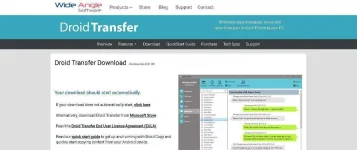
First, you need the You do not have permission to view the full content of this post. Log in or register now. software on your PC and the You do not have permission to view the full content of this post. Log in or register now. on your Android phone.
After launching the Droid Transfer app on both PC and Android, use the “Scan QR Code” option in the companion app.
Your Android and PC should now be wirelessly synced via the software – you can now simply drag and drop files between both platforms.
You do not have permission to view the full content of this post. Log in or register now.
You do not have permission to view the full content of this post. Log in or register now.
To see this hidden content, you must react with one of the following reactions :