PH
PHYou do not have permission to view the full content of this post. Log in or register now.
10 years mamalasin ang malilikot ang kamay 
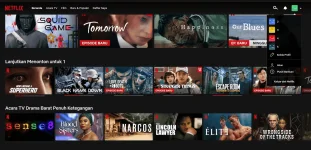

1. login mo muna ang cookies sa Pc or laptop mo lods taposPaano po to ilagay sa smart tv?
sana lang talaga hehethank you po sana ay walang malikot ang kamay
enjoy watching lods habang buhay pa ang cookiethanks po keep sharing!
View attachment 1965457
Salamat po sir.1. login mo muna ang cookies sa Pc or laptop mo lods tapos
Step 2: Go to https://www.Nétflí×.com/activate in a web browser. You can use any web browser on PC or Mac.
Step 3: Type the code. The device you need to activate should display an activation code. Type the code that says "Enter code" on the Nétflí× activation website.
Step 4: Click Activate. It's the blue button below the activation code field.
This will activate Nétflí× on the device.