PH
PHbirthdayyy
Fanatic
Eto po matatanggap nyo sa code, Unahan na lang po.



Follow these steps to redeem a code online.
Follow these steps to redeem a code in game (Android only).
REDEEM CODE:
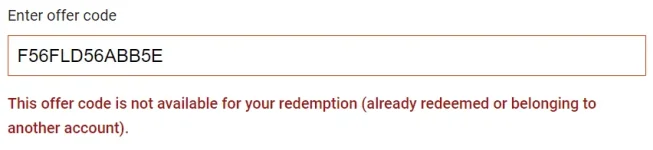
F56FLD56ABB5E
Follow these steps to redeem a code online.
- You do not have permission to view the full content of this post. Log in or register now..
- Log in using the same credentials you use to access your Pokémon GO account.
- Enter your code.
- After successfully redeeming a code, a message will display that the items have been added to your inventory.
Follow these steps to redeem a code in game (Android only).
- From the in-game map, tap the Poké Ball Menu.
- Tap the Shop icon.
- At the bottom of the in-game shop, enter your code in the text field under Promos.
Note: In-game code redemption is currently only available for Android devices. If you use an iOS device, please use the process above to redeem your code.
- Tap Redeem.
REDEEM CODE:
F56FLD56ABB5E