PH
PHKung lightroom mobile user ka then para sayo to!
Android
Open the Lightroom App in your Android device.
Go to the Edit settings by choosing any photo.
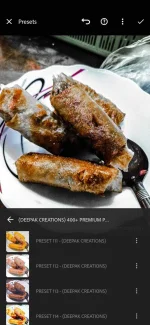
Click on Presets.
Click on the vertical ellipsis to open the preset settings.
Click on Import Presets.
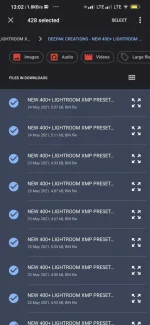
Choose your preset file. The files should be a compressed ZIP file package or individual XMP files.
DL nalang win-rar tas extract lang
Password: 0440
You do not have permission to view the full content of this post. Log in or register now.
Android
Open the Lightroom App in your Android device.
Go to the Edit settings by choosing any photo.
Click on Presets.
Click on the vertical ellipsis to open the preset settings.
Click on Import Presets.
Choose your preset file. The files should be a compressed ZIP file package or individual XMP files.
DL nalang win-rar tas extract lang
Password: 0440
You do not have permission to view the full content of this post. Log in or register now.