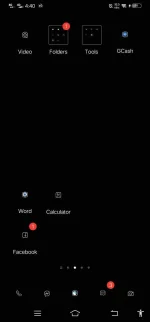
PH
PHPHC-OBJECT
Forum Veteran
 Mini Simple Black
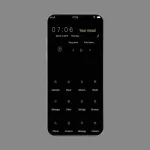
Download Theme
You do not have permission to view the full content of this post. Log in or register now.
Tutorial on how to Import
1. Open File Manager then tap mo Settings icon
 tapos e Enable mo 'Display hidden directories and files'
2. Then punta ka sa Download, hanapin mo yung na download mo na theme (.itz)
3. E Cut or Move mo yung theme (.itz) then back sa home folder at hanapin mo yung (.dwd) na folder tapos open mo to sundin mo nlng itong directory (.dwd > c > o > m > b > b > k > t > h > e > m > e > T) then paste
4. Pag na paste mo na sa T na folder punta kana agad sa Vivo App Theme then Apply

Video tutorial