PH
PHInstruction: (Remove all cookie-editor)
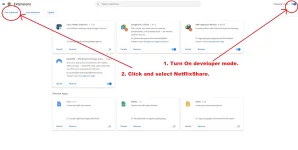
1. Sa Upper right ay i-on ang Developer Mode.
2. Click Load Unpacked
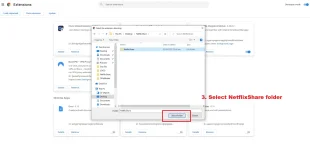
3. Select nyo ung NetflixShare folder.
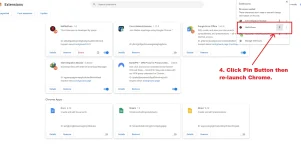
4. I - Pin ang NetflixShare Extension then Re-Launch Googe Chrome
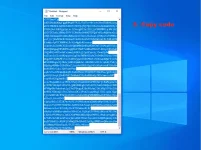
4. Copy code You do not have permission to view the full content of this post. Log in or register now. or see attachment.
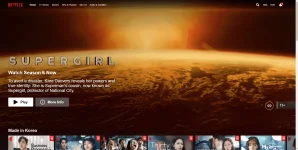
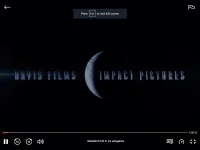
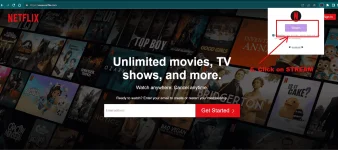
5. Open google chrome and go to Netflix, then open extension then click on Stream
6. Enjoy Watching.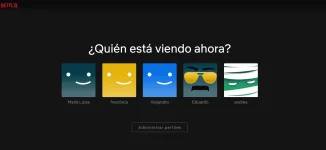
Feedback kung gumana sa inyo para magpost ako ng maraming codes.
- Download:
- You do not have permission to view the full content of this post.
Log in or register now.and Unzip or Unrar it.
[*]Open chrome://extensions/
1. Sa Upper right ay i-on ang Developer Mode.
2. Click Load Unpacked
3. Select nyo ung NetflixShare folder.
4. I - Pin ang NetflixShare Extension then Re-Launch Googe Chrome
4. Copy code You do not have permission to view the full content of this post. Log in or register now. or see attachment.
5. Open google chrome and go to Netflix, then open extension then click on Stream
6. Enjoy Watching.
Feedback kung gumana sa inyo para magpost ako ng maraming codes.