 PH
PHairwavemac
тωєηту-мσяє
You do not have permission to view the full content of this post. Log in or register now.
Size: 1.8gb
Installation Instruction:
Note: Turn off your Anti-Virus first, baka maka-Quarantine si Extractor (la pa kasi yang Vax Card.. lol)
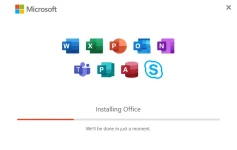
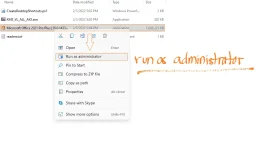
1.Download and Extract the File, then open the Extracted folder, then run the installer as Administrator.
then wait nyo nalang matapos ang installation ng installer.
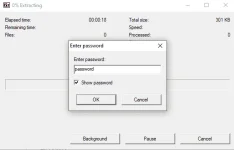
2. Run the ac†ïvâ†ør extractor KMS_VL_ALL_AIO.exe then type "password" then click ok.
para mapalabas si KMS_VL_ALL_AIO.cmd.
3.then run KMS_VL_ALL_AIO.cmd as Admin
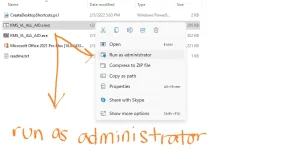
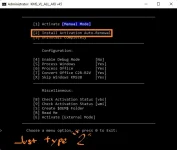
then just type "2" to select Install Activation Auto-renewal
then after the activation just close the window.
4. then to create Desktop shortcuts.. just right-click CreateDesktopShortcuts.ps1
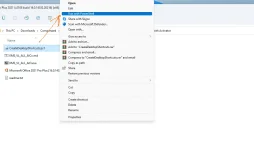
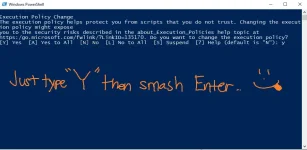
then select Run with PowerShell then type Y then smash enter lol
(smash nyo if meron kayo nito
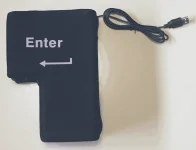 lol)
lol)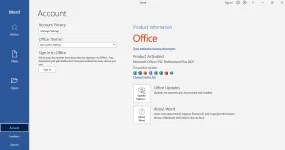
yan lamang po thanks!

