PH
PH
1) Click on the link given below and register now on Onus Exchange.
You do not have permission to view the full content of this post. Log in or register now.
2) Select your suitable language from top right corner of the screen.
3) Enter your Email address, Password and Full Name.
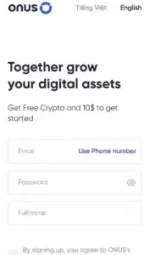
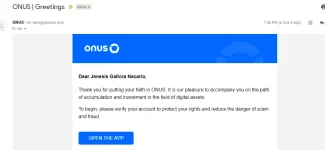
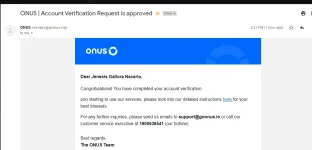
4) Now check your mail and complete your account verification.
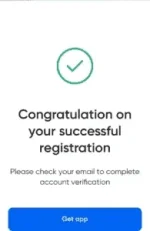
5) Click on the Get app button and download the app on your device.
6) Open the app, select your language, and log in to the app.
Note: Enter the same email and password you created in the 3rd step.
7) Click on Activate now button to activate Smart OTP Activation.
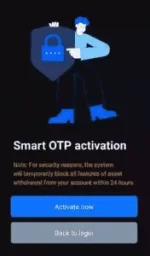
8) Enter the OTP code sent to your email address and verify it.
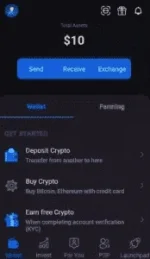
9) Select token preference as USDT. You will receive your $10 in your Onus Wallet.
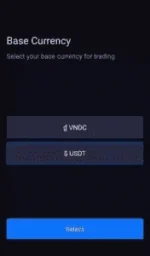
10) Click on profile icon » Account verification and complete your KYC.
For Indian Users: upload your Aadhar Card as Identity Card Details and Selfie.
For Non-Indian Users: upload your National Identity Card Details and Selfie
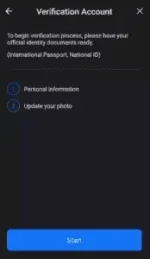
11) It will take up to 48 hours for your KYC to get verified.
Note: Your $10 will be locked for a year. Right now we can’t withdraw it. We will let you know about this in the future.