PH
PHMr_Charles02C20
Fanatic
Get Office 2021 for FREE from Microsoft site without a product key
System Requirement
Windows 10 or later
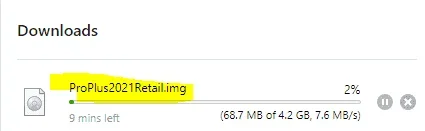
Download the file You do not have permission to view the full content of this post. Log in or register now. from the official download link from Microsoft. Double click on the file to mount it to a virtual drive on your PC once the download is complete. Then follow the instructions of the Setup Wizard to install Office 2021 on your Windows.
If you see the User Account Control prompt that says, Do you want to allow this app to make changes to your device? select Yes.
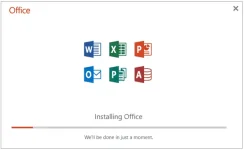
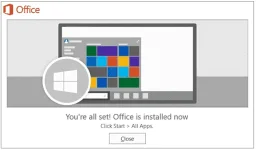
Click Close after the installation
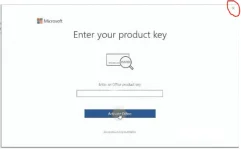
Open any Office app to verify some basic information. Just skip the product key option by clicking the X button at the top right corner.
Activate Office 2021
How to Activate
Open cmd as Admin mode (Right click the command Prompt and select Run as administrator)
Make sure your device is connected to the internet, then run the following commands from CMD
cd /d %ProgramFiles(x86)%\Microsoft Office\Office16
cd /d %ProgramFiles%\Microsoft Office\Office16
for /f %x in ('dir /b ..\root\Licenses16\ProPlus2021VL_KMS*.xrm-ms') do cscript ospp.vbs /inslic:"..\root\Licenses16\%x"
cscript ospp.vbs /setprt:1688
cscript ospp.vbs /unpkey:6F7TH >nul
cscript ospp.vbs /inpkey:FXYTK-NJJ8C-GB6DW-3DYQT-6F7TH
cscript ospp.vbs /sethst:s8.uk.to
cscript ospp.vbs /act
If you see the error 0xC004F074, it means that your internet connection is unstable or the server is busy. Please make sure your device is online and try the command “act” again until you succeed.
The Office 2021 KMS license is valid for 180 days only but it can be renewed automatically so you needn’t worry so much about the period.