PH
PHApowersoft PDF Converter
Convert PDF to Word, Excel, and other formats, as well as compress, OCR, and merge PDF, etc
Apowersoft PDF Converter is a professional and versatile desktop tool for converting and managing PDF files. You can quickly convert your PDF to Word, Excel, PPT, JPG, PNG, TXT, HTML, and many more. This program is available on Windows, Mac, iOS, and Android devices.
Features
- Convert – Convert PDF to other formats and vice versa
- Merge PDF – Combine multiple PDF files into one.
- Split PDF – Split a PDF page into two or more parts.
- Extract Images – Extract all of the JPG or PNG images in PDF documents.
- Compress PDF – Reduce large PDF file sizes
- Unlock PDF – Unlock your PDF files with one click.
- Protect PDF – Secure your file with a password
- OCR – Extract text from JPG, PNG, and PDF files.

Instructions:
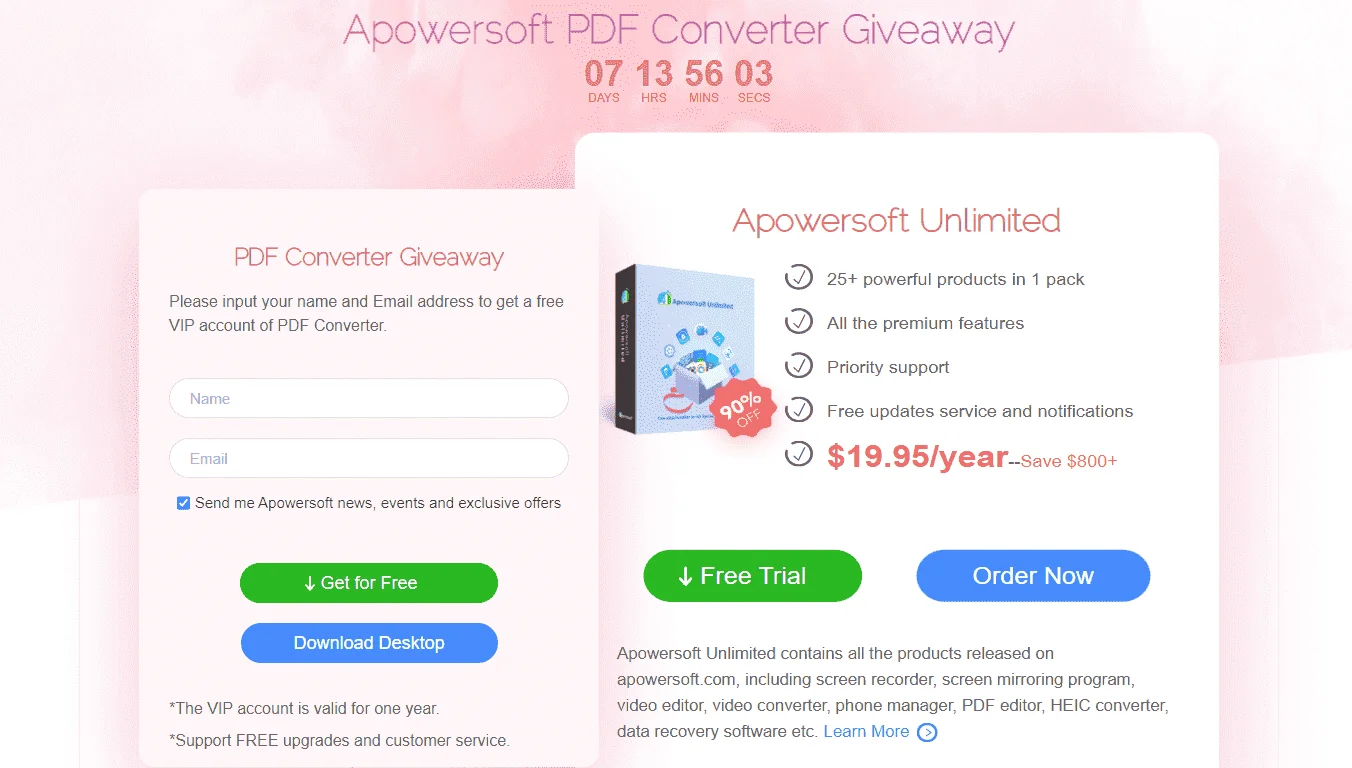
- Go to the registration page > You do not have permission to view the full content of this post. Log in or register now.
- On the registration page, fill in the form with your name & email address, then click on the GET FOR FREE button.
- An email that includes your license code and the download link will be sent to your email address.
- Download the software from the download link on your email.
- Once downloaded, install it & launch the program after installation.
- On the program interface, Log into your account. If you do not have an Apowersoft, just click on Sign up to register an account.
- Once logged in, use the activation code you received to activate the full features.
- Done. Enjoy the full features.
Terms:
- Software version: v2.3.3
- License type: Yearly
- Free Updates within your license period
- Free tech support by Apowersoft
- Personal use only