 PH
PHAnyMP4 iPhone Data Recovery

AnyMP4 iPhone Data Recovery is a data recovery software that can help you rescue deleted iOS files with a 99.9% success rate. Using it, you can recover lost deleted data like photos, messages, contacts, videos, music, SMS, and more from iPhone, iTunes, and iCloud backup.
Are you anxious about your crucial data can’t be restored anymore in your iPhone after accidentally deleting? Are you getting in trouble with the plenty of irreplaceable data lost when your iPhone is broken, smashed, cashed or damaged, or even not synchronized while out in the field? Or worrying about your iPhone data information vanished after Jailbreak, failed to upgrade, or factory settings restore? The “lost data” from iPhone is considered “lost forever.” Now AnyMP4 iPhone Data Recovery, the best and powerful iPhone Data Recovery software, has stepped into the spotlight to offer the most technologically advanced data recovery service to iPhone users in various situations.
This world’s leading iPhone Data Recovery software can not only help you regain the accidentally deleted data and lost data for suffering any data loss scenario from iPhone X, iPhone 8S, iPad, and iPod but also exactly retrieve all your backed up file data from iTunes Backup. All the lost photos, videos, contacts, call logs, SMS, messages, memos, and more file data can be previewed before recovery and then restored on your Apple device with this great and easy-to-use iPhone Data Recovery software.
AnyMP4 iPhone Data Recovery, the great and versatile iPhone Data Recovery software, is capable of regaining these iPhone/iPad/iPod file data including Photos and Videos, Audio in Voice Memos; as well as text files like Contacts, SMS, Call History, Calendar, Notes, Reminders and Safari Bookmark. Now, you are in the iPhone data center and start to recover your crucial file, the clear and intuitive preview window would help you find the data you need to recover much easier, and you can preview the detailed contacts, SMS, photos, videos, and more.
With the user-friendly design and concise interface of AnyMP4 iPhone Data Recovery, you would feel great to use it and any function button and option are shown clearly. This iOS Data Recovery also adopts advanced recovery technology, which would provide you the most technologically advanced data recovery service to enhance the data recovery speed and effect.
Main Features
Feature Highlights- Recover lost data from iPhone/iPad/iPod, iTunes backup and iCloud backup safely and quickly
- Support repairing 50+ iPhone, iPad and iPod system issues without losing data
- Back up and restore iPhone, iPad and iPod data at any time – No more data loss
- Transfer/backup/restore your whole WhatsApp data safely and efficiently with simply one click
Detailed Features of AnyMP4 iPhone Data Recovery
- Recover data (up to 20 types) from the iPhone/iPad/iPod
- Restore up to 20 data types from your iOS device to computer.
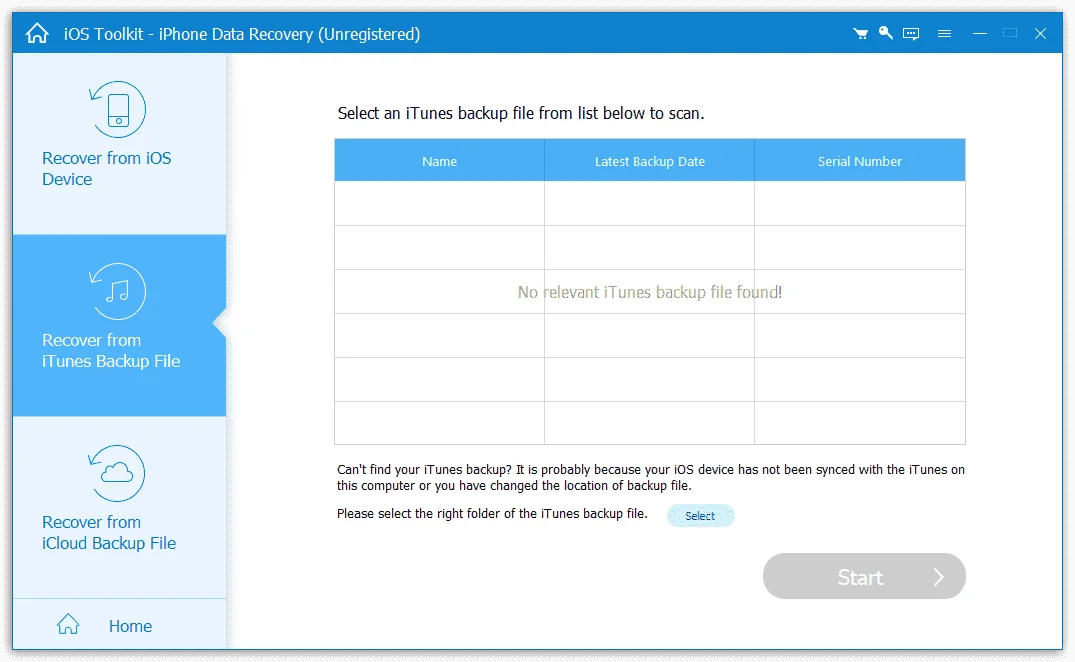
- Recover the lost/deleted iOS files from iTunes and iCloud Backup Files.
- Supports any popular iOS device like iPhone 12/12 Pro/12 Pro Max/12 mini/11/11 Pro/11 Pro Max/XS/XS Max/XR/X/8/8 Plus/7/7 Plus/6s/6s Plus/6/6 Plus, iPad Pro/Air 2/Air/mini 4/mini 3/mini 2/mini/4/3/2/New iPad Pro and iPod touch 7/6/5/4/3/2/1
- Recover lost/deleted data from iTunes backup
- Retrieve the missing data from iTunes Backup Files.
- 9 types of Text content can be saved from the iTunes backup: Contacts, SMS/MMS, Call history, Calendar, Notes, Reminders, Safari bookmarks, Safari history, and WhatsApp chats.
- 10 Types of Media content (Camera Roll, Photo Library, Photo Stream, Message attachments, Voice memos, WhatsApp Attachments, Voicemail, App Photos, App Videos, App Audio)
- Restore missing iOS data from iCloud Backup
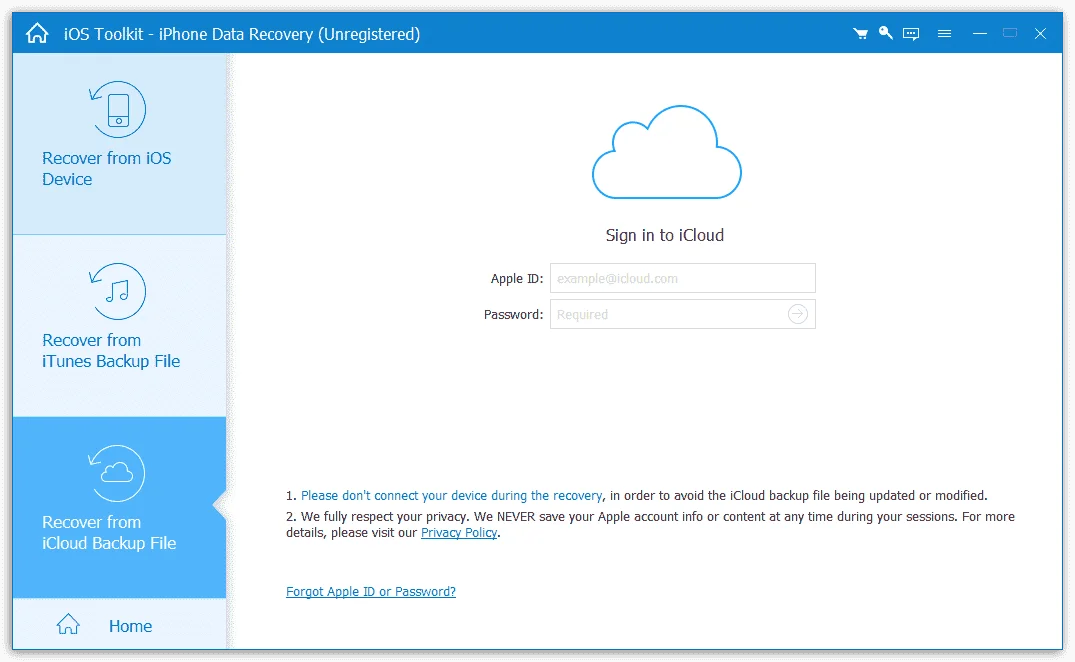
- Recover deleted and lost data from the iCloud Backup to your PC.
- A total of 9 types of Text content can be recovered from the iCloud: Contacts, SMS, Call log, Calendar, Notes, Reminder, Safari bookmarks, Safari history, WhatsApp history.
- Preview iPhone data before recovering
- Preview the detailed files in individual categories in advance.
- Especially for pictures, with a double-click, you can check the images, rotate or switch up and down.
- Shows you all the data in details in the Scan results.
- Back up lost/existing iOS data to computer
- Export iPhone files to the selected location on the PC.
- Change the predefined location in Settings.
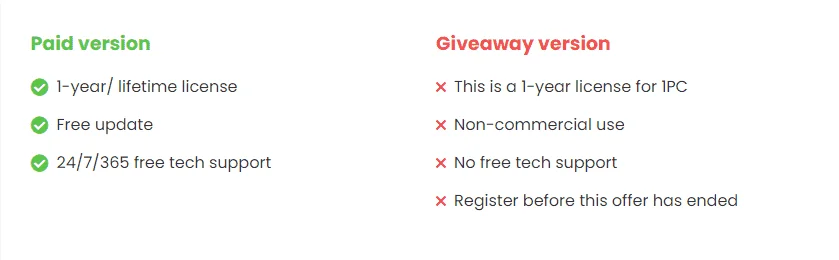
1 Year License
AnyMP4 iPhone Data Recovery Free License Key
Limited-time giveaway!Giveaway Details
- Product name: AnyMP4 iPhone Data Recovery version
- Website: You do not have permission to view the full content of this post. Log in or register now.
- License type: 1-year
- Platform: Windows
- Download:You do not have permission to view the full content of this post. Log in or register now.
- Giveaway link: You do not have permission to view the full content of this post. Log in or register now.
How to get the license key?
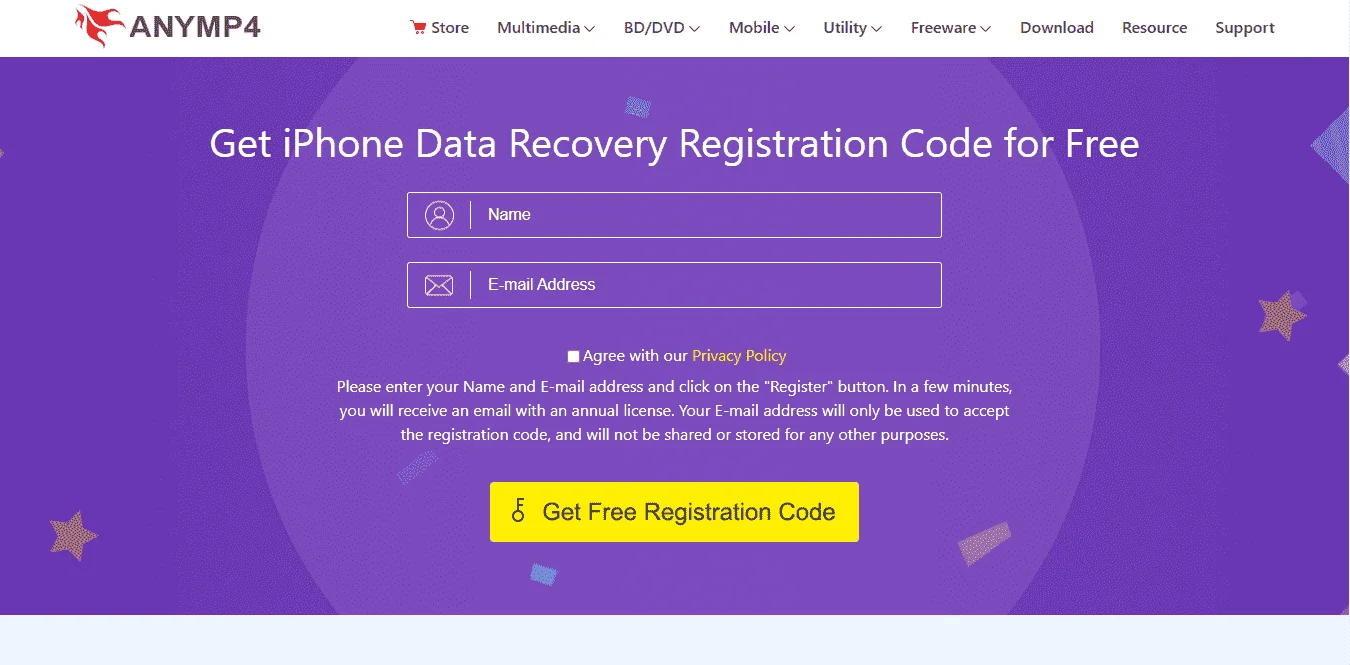
Instructions- On the AnyMP4 iPhone Data Recovery giveaway page, please input your name and your email address.
- AnyMP4 will send the free activation codeto the email address you provided, please check your mail inbox in due time to get it.
- Download and install the software on your computer. Register AnyMP4 iPhone Data Recovery with your email address and registration code.
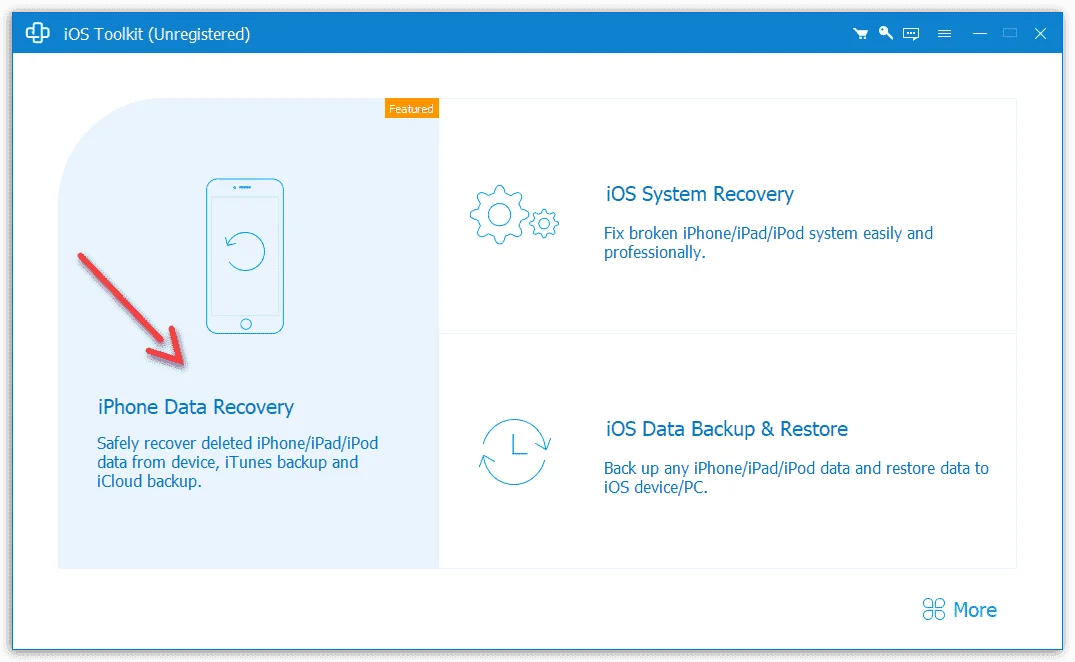
Screenshots
 keep sharing po