 PH
PHFor those people having trouble in making it register the simple trick is...you need to go on
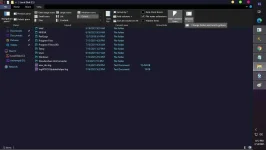
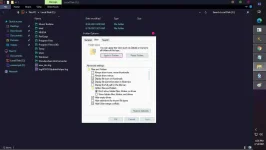
1. change folder and search option
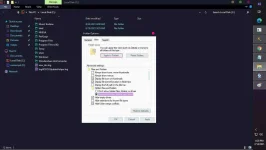
2. Under the folder option click the view tab
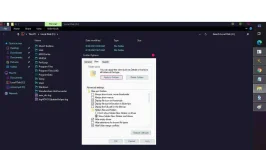
3. On advance setting click the "show hidden files, folder and drives then click apply on the lower right
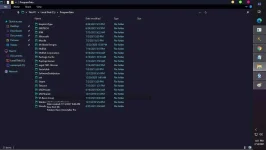
4. Now you can see the hidden folder "Program Data" just under Program files (x86)
5. Double Click the folder "Program Data"
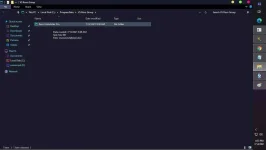
6. Look for the Folder "VS Revo Group" Double click to open
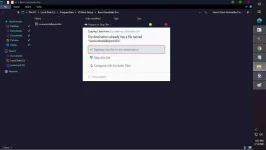
7. then "Revo Uninstaller Pro" in this folder you have to paste the crack files came from the installer and it will ask if you want to replace the files in the destination just click yes....
1. change folder and search option
2. Under the folder option click the view tab
3. On advance setting click the "show hidden files, folder and drives then click apply on the lower right
4. Now you can see the hidden folder "Program Data" just under Program files (x86)
5. Double Click the folder "Program Data"
6. Look for the Folder "VS Revo Group" Double click to open
7. then "Revo Uninstaller Pro" in this folder you have to paste the crack files came from the installer and it will ask if you want to replace the files in the destination just click yes....