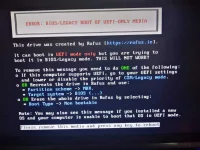
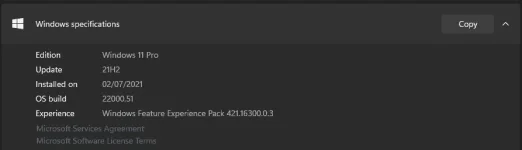
Nag Win 11 2199.6 ako using yung ISO file na bypass yung TPM check. Nong una kasi di ko alam na supported pala ng board and cpu ko yung TPM, di ko lang na-enable sa BIOS. Then nong naka 2199.6 na ako, ska ko tinignan yung BIOS ko, may settings pala don. So enable ko, then sa setting ng Win 11, di na lumalabas yung "your pc does not meet the minimum hardware requirements for windows 11", pumunta ako sa Updates, merong lumabas na 22000.51 na version, nginstall. Pero after restart, yung looks pa rin ng PC ko is parang 2199.6 then merong nge-error sa installation ng Cumulative Update for 22000.51
Ngsearch ako ng possible solution, sabi nila pwede rollback muna sa Win 10 then update to 22000.51 kaso nong day rin na ininstall ko yung 2199.6 nadelete ko yung Windows.old folder
Baka may other options pa to resolve yung error ng Windows Update "Cumulative update for 2200.51)?
 PH
PH